10 September 2026 · Updated 21 October 2026

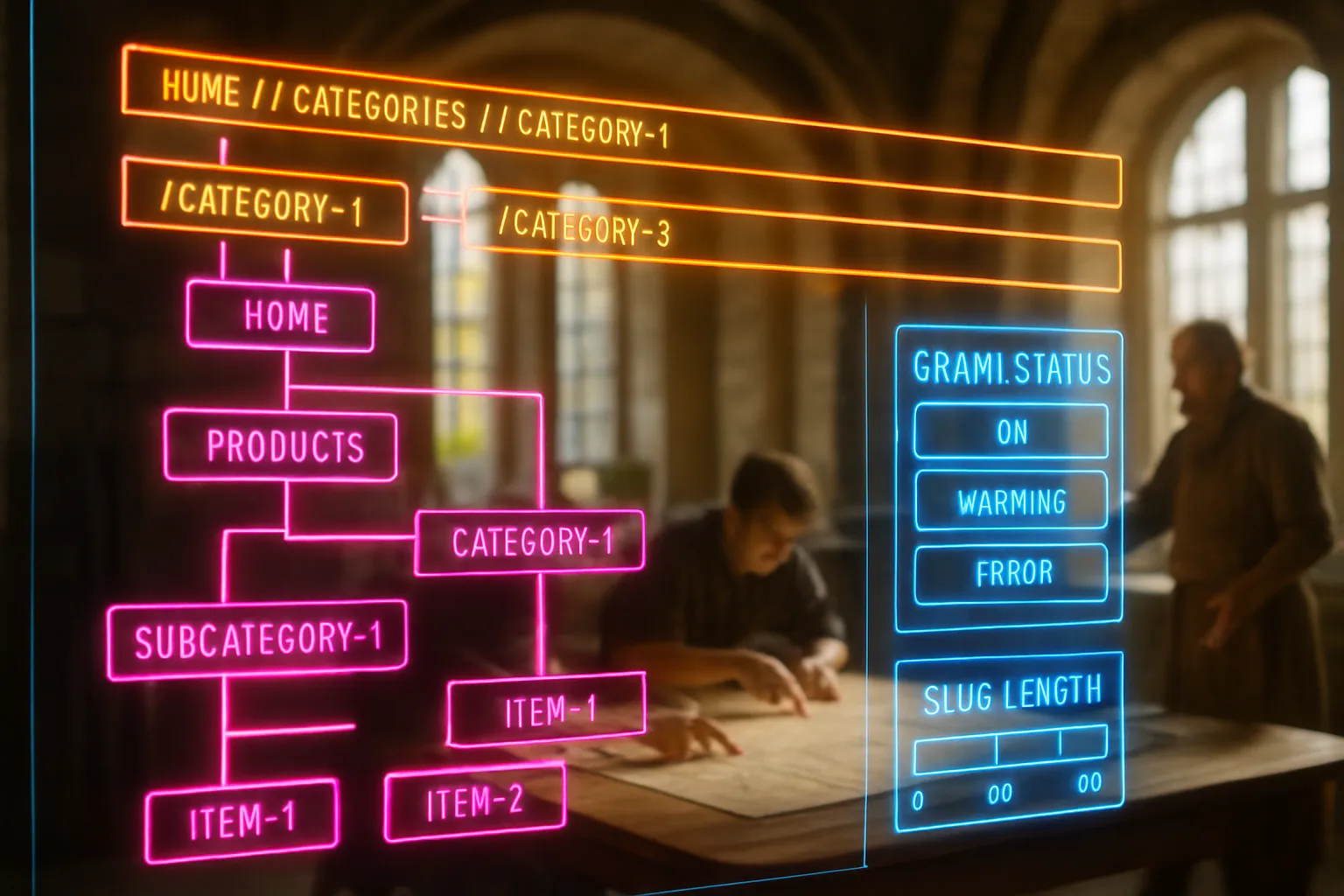
Table of Contents
- What is URL structure SEO?
- Key takeaways
- Why URL structure SEO shapes crawl behaviour before content is read
- How slug length and keyword position affect rankings
- Folder depth, directory logic, and how deep is too deep
- Hyphens, underscores, and the characters breaking a URL
- Parameters, session IDs, and the URLs confusing crawlers
- When to change a URL and how to protect what it has built
- Closing reflection
- Frequently asked questions
A furniture retailer in Dublin redesigned her website and launched six new product categories. Her developer kept the original URL pattern from her old platform: long strings of numbers, auto-generated session codes, and folder names the system had chosen for her. Within weeks, Google had indexed fewer than half the new pages. The rest were invisible. Nothing else had changed. The products were there. The content was there. The paths leading Google to them were not.
What is URL structure SEO?
URL structure SEO refers to how the addresses of your web pages are built: the words, folders, and separators after your domain name. A URL like `yoursite.com/services/carpet-cleaning` tells a search engine what the page covers and where it sits. A URL like `yoursite.com/p=4492` tells it neither. Those paths shape whether search engines can read your site efficiently.
Key takeaways
- Every URL is a signal: search engines read the words in your path before crawling the page, so a clear slug carries real descriptive power for how a page is understood.
- Shorter paths outperform long ones: keep folder depth to three levels or fewer and slugs to four or five words where possible.
- Hyphens separate words; underscores do not: Google treats a hyphen as a word separator and an underscore as nothing, so `carpet-cleaning` is two readable words and `carpet_cleaning` is one unreadable string.
- Keyword placement belongs near the front: a slug beginning with the term the page targets is easier for both Google and a reader to parse at a glance.
- Consistent folder logic protects crawl efficiency: a predictable directory pattern lets Google move through your site without guessing where the next page sits.
- Changing URLs after the fact is costly: a URL earning links and traffic should only be changed when there is a clear structural reason and a redirect plan is in place.
Why URL structure SEO shapes crawl behaviour before content is read
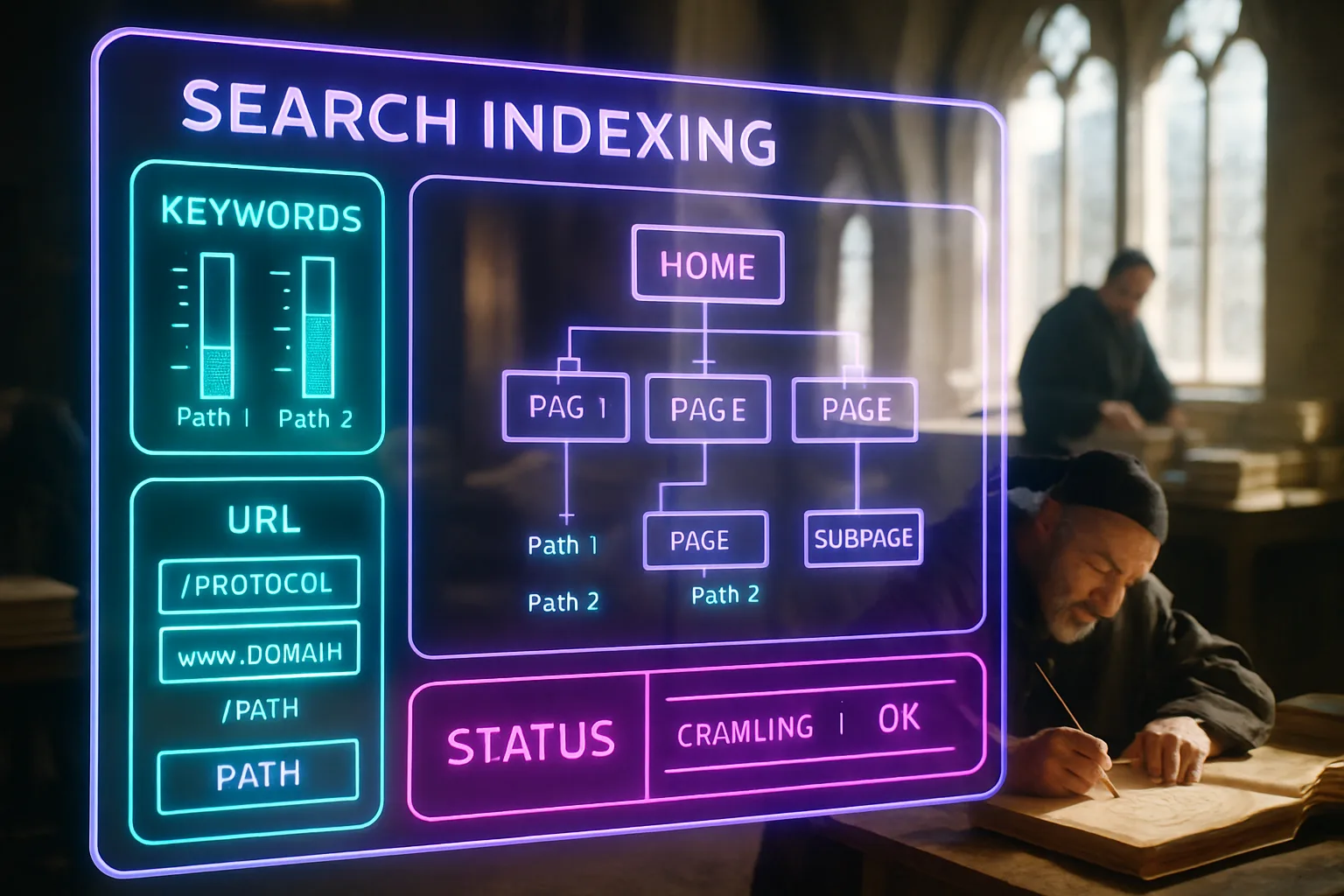
Search engines don't read a page and then find it; they follow an address to reach it. Google's own guidance on URL structure for sites notes that a simple, descriptive URL is one of the first signals a crawler uses to understand what it is about to find. By the time the crawler arrives on the page, the URL has already done part of the work, or failed to do it.
Your site gets a limited crawl budget: a fixed amount of time Google will spend visiting pages on any given pass. Clean, logical paths mean the crawler reaches more of your pages. Deep folder hierarchies, duplicate addresses, and parameter-heavy URLs mean the crawler retreats before it has seen half your content. Google's guidance on e-commerce URL design makes this explicit: variant pages carrying identical content under different addresses split the crawler's attention and the link value a page has accumulated, unless one address is identified as the primary one. The same principle applies to any site with filters, pagination, or faceted navigation.
The practical consequence is that URL structure isn't a cosmetic choice. It is part of how your site communicates with search engines before a single word of content is assessed.
How slug length and keyword position affect rankings
The slug is the part of the URL after the last forward slash: in `yoursite.com/services/carpet-cleaning`, the slug is `carpet-cleaning`. That string is the most specific signal in the address, and it carries most of the descriptive weight for search engines and for readers sharing the link.
Shorter slugs tend to perform better. Research into URL length and ranking position consistently shows top-ranking pages carry shorter URLs than pages sitting lower on the same results page. The practical reason is readability: a slug of four or five words can be understood in a glance, copied without error, and shared without truncation. A slug of twelve words, generated automatically from a page title with every stop word included, is harder to scan and easier to misread.
Keyword position within the slug follows the same logic as keyword position in a heading: words appearing earlier carry more descriptive weight. A slug beginning with the term the page targets, such as `carpet-cleaning-cape-town`, signals the topic immediately. A slug where the keyword appears fourth or fifth in a string of category names signals the topic late, after the crawler has already parsed the context from the folder path above it.
One practical discipline: strip stop words from slugs. Words like "a", "the", "and", "for", and "in" add length without adding meaning. `carpet-cleaning-services-for-homes-in-cape-town` becomes `carpet-cleaning-cape-town` without losing any signal value for search engines, and it is far easier to read.
Folder depth, directory logic, and how deep is too deep
A folder in a URL path works like a shelf label in a stockroom. The label tells anyone navigating the room which category a product belongs to, and it tells them how many shelves deep they need to go. One shelf deep is easy to find. Four shelves deep, behind three locked doors, is where things get lost.
The same applies to your site's directory structure. A page sitting at `yoursite.com/blog/category/subcategory/2024/post-title` is five levels deep. Getting there requires five navigational decisions. A search engine crawling your site on a limited budget may not reach it at all before stopping. Google's guidance on site structure and crawlability points to predictable, shallow paths as a condition for efficient indexing, meaning pages being added to the list Google keeps of every address it knows about.
Three levels is a workable ceiling for most sites. A service business operating in one location rarely needs more than two: domain, then page. An e-commerce site or a blog with many categories may need three. A fourth level should prompt a question about whether the structure is genuinely necessary or whether it reflects a content model grown without a plan.
The table below illustrates how folder depth changes path readability for a cleaning company's service pages.
| Page | Shallow path (recommended) | Deep path (avoid) |
|---|---|---|
| Carpet cleaning | /carpet-cleaning | /services/domestic/cleaning/carpet-cleaning |
| Upholstery cleaning | /upholstery-cleaning | /services/domestic/cleaning/upholstery/residential |
| Office cleaning | /office-cleaning | /services/commercial/office/cleaning/standard |
| About the company | /about | /company/info/about-us/overview |
Flat paths are faster to crawl, simpler to share, and easier to remap if the site's structure ever changes.
Hyphens, underscores, and the characters breaking a URL

This isn't a debate worth having, yet it persists in developer forums and old platform defaults. Google treats a hyphen as a word separator. It treats an underscore as nothing, meaning it reads `carpet_cleaning` as one token rather than two. The practical effect is that a slug using underscores loses the keyword signal a hyphen preserves.
Spaces are worse. A browser encodes a space as `%20`, so a URL with spaces turns into an unreadable string of characters as soon as it is copied or shared. Special characters, symbols, and capital letters create similar problems: they encode inconsistently across browsers and platforms, and a URL with mixed capitalisation can generate two separate addresses for the same page, a problem known as a duplicate content issue.
The safe rule is: lowercase letters, hyphens between words, no underscores, no special characters, no trailing forward slash inconsistency. According to SEO-friendly URL guidance, a well-structured URL built on these conventions distributes link value cleanly and avoids the technical complications arising when two addresses point to the same content. The convention isn't arbitrary. It exists because consistent formatting is what allows both humans and crawlers to navigate a site predictably.
Parameters, session IDs, and the URLs confusing crawlers
Some URLs are generated automatically by a platform rather than written by a person. A session ID appended to every address, a filter parameter added when a visitor sorts products by price, a tracking string added by a campaign link: these create new URLs for pages already having addresses. From a search engine's perspective, each new address is a new page candidate, and a crawler arriving at `yoursite.com/products?sort=price&session=8842` can't easily tell whether this is meaningfully different from `yoursite.com/products`.
The result is that the crawler's budget gets divided across dozens of addresses all pointing to the same content. Pages you want indexed may not be reached. Link value earned by the original URL may be scattered across variants rather than concentrated. Google's documentation on e-commerce URL structure recommends using the canonical tag on variant and filtered pages to tell search engines which address is the primary one, so link value and crawl attention flow to the right place.
For sites not built on a custom platform, the practical move is to configure the CMS to keep parameters off the canonical URL and to block parameter-heavy addresses from being crawled via the robots.txt file. This is part of website architecture: deciding what your URLs say and which addresses you want a search engine to visit at all.
When to change a URL and how to protect what it has built
Changing a URL after a page has been live for any meaningful period carries a real cost. A page accumulating links from other websites, traffic from search, or shares on social platforms has built equity in that address. Move the content to a new URL without redirecting the old one and that equity doesn't transfer; it disappears.
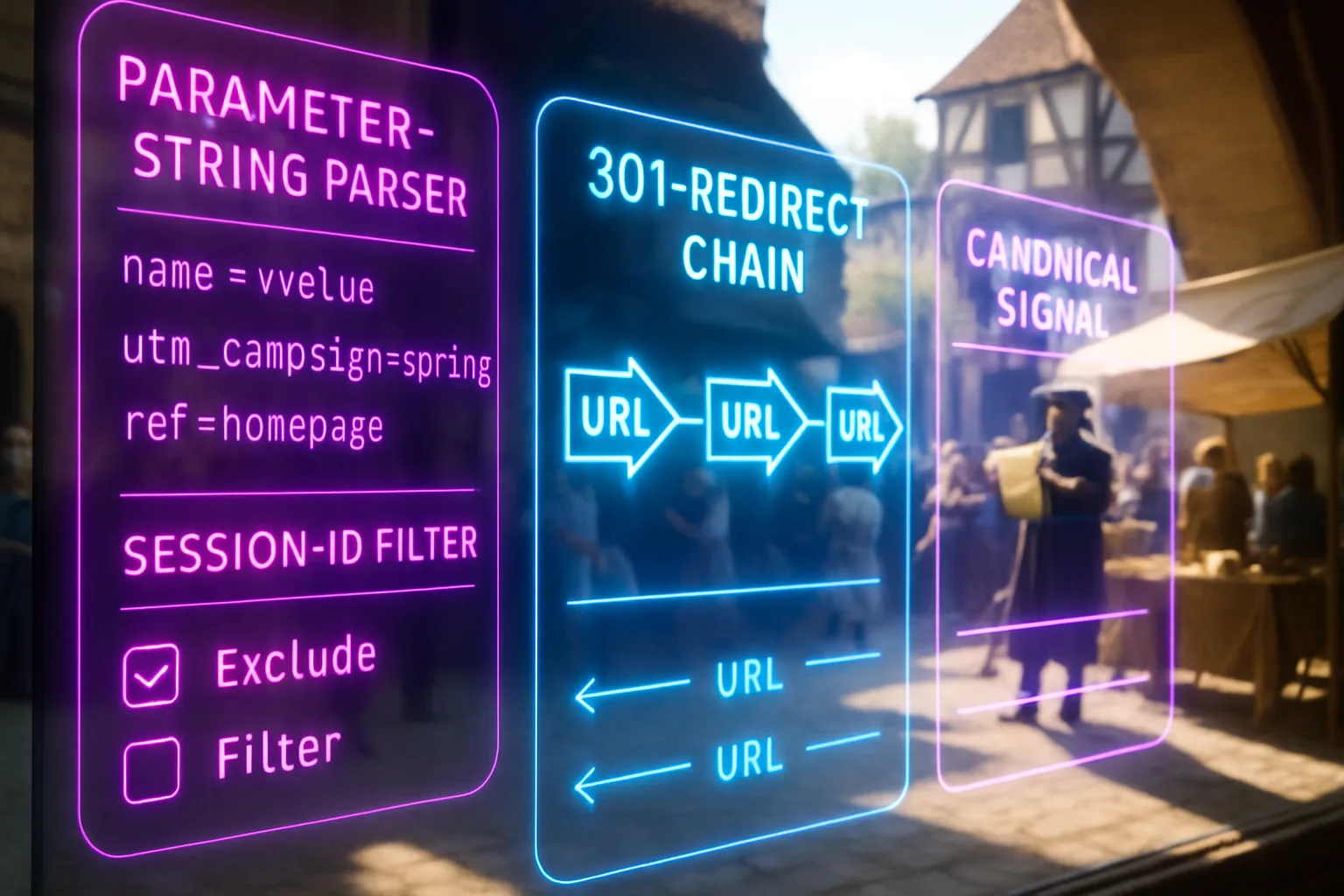
Advice in clean URL structure guidance and across search industry documentation is consistent on this point: only change a URL when there is a structural reason, and always implement a 301 redirect, which is a permanent instruction telling search engines and browsers the old address has moved to the new one and all signals associated with the old address should be transferred. This is distinct from a 302 redirect, which signals a temporary move and doesn't transfer those signals.
The case for changing a URL is strongest when the original address was generated automatically and carries no meaningful signal: a numeric ID, a session parameter, or a deeply nested path the site no longer reflects. The case is weakest when the current URL is already clean and descriptive and the change is motivated by a redesign aesthetic rather than a structural improvement. In that situation, the cost of changing nearly always exceeds the benefit. Research on internal link equity distribution shows pages accumulating internal links over time see significantly greater crawl attention and traffic; changing their address resets accumulation unless every internal link pointing to the old URL is also updated.
Closing reflection
URL structure is one of those topics the SEO industry has surrounded with more ceremony than it deserves, and also one it occasionally dismisses too quickly. Your URLs aren't magic levers, but they are the first thing a search engine reads about any page on your site. A clean, shallow, keyword-present path costs nothing to build correctly at the start and can cost a great deal to fix after years of accumulated links and traffic have settled on the wrong address. Build them right once.
You shouldn't have to audit a site full of broken, auto-generated URLs and figure out which ones to redirect without losing your rankings. With Zahavah Studio you won't.
Contact Zahavah Studio to have your site's URL structure reviewed and corrected before the architecture undermines the content sitting on top of it.
The questions below address what business owners ask most often when they look at their site's URLs for the first time.
Frequently asked questions
Does URL structure affect SEO?
URL structure SEO is a genuine ranking factor, though not the most powerful one. Google uses the words in a URL as one of many signals to understand what a page covers before crawling its content. A descriptive slug containing the target keyword gives the search engine a head start. A numeric or auto-generated slug gives it nothing. The effect is strongest on pages competing in moderately contested searches, where small signals accumulate and the difference between ranking and not ranking is a collection of small decisions made correctly. On highly competitive keywords, URL structure alone moves nothing, but it is a baseline condition keeping other signals from being undermined. Google's SEO starter guide, published since 2008, has consistently named URL structure as part of the foundational work a site owner controls. Fixing a poor URL structure rarely produces a dramatic ranking jump on its own. Leaving it broken while expecting other efforts to compensate is the more common mistake.
How many levels deep should my URL structure be?
Three levels is a practical ceiling for most sites. A level is each segment separated by a forward slash after the domain: `yoursite.com/category/subcategory/page-slug` is three levels. For a service business with a small number of pages, two levels is often enough: `yoursite.com/page-slug`. For a blog or an e-commerce site with genuine category depth, three is workable. A fourth level is a sign the content model may need rethinking, not that the URL structure needs extending. The deeper a page sits in the folder hierarchy, the further a search engine must travel to reach it, and on a site with a large number of pages, that travel costs crawl budget, meaning the time Google allocates to visiting and indexing your site. Pages sitting four or five levels deep are statistically less likely to be crawled on any given visit. Guidance on URL depth recommends keeping hierarchy as flat as the content model genuinely requires, adding a level only when it carries a meaningful navigational function rather than reflecting a legacy system structure.
What is the optimal URL length for SEO?
There is no published character limit from Google, but the practical answer is as short as the slug can be while still describing the page. Four to six words in the slug is a workable target for most pages. The goal is a URL a person can read once and understand, copy without making an error, and share without it being truncated by a messaging app or email client. Longer URLs aren't penalised directly, but they carry weaker keyword signals because the words at the end of a long string contribute less than the words at the front. They are also harder for users to parse when they appear as plain text in a search result or a shared link, which can reduce the number of people clicking. Strip every stop word from the slug: articles, prepositions, and conjunctions add length without adding signal. `how-to-find-a-good-accountant-for-your-small-business-in-johannesburg` becomes `accountant-small-business-johannesburg`, which is shorter, cleaner, and completely clear about what the page covers. Applying this discipline across your site keeps URLs consistent and gives crawlers a more efficient path through your content.

Yvonne van Wyk
SEO Strategist · Zahavah Studio
Yvonne van Wyk runs Zahavah Studio, a Johannesburg SEO agency focused on long-term search visibility and AI citation. Her writing covers local SEO, content strategy, analytics, and the mechanics of how search works.
Everything on this blog is written to inform and educate. It is for information only. Nothing here is professional legal, financial, or technical advice. If you are making a significant business decision, speak to a qualified professional first. Zahavah Studio works hard to keep this content accurate and current, but is not liable for decisions made based on what you read here.