10 October 2026 · Updated 22 October 2026

Table of Contents
- What are website trust signals?
- Key Takeaways
- Why visitors distrust websites before they trust them
- The trust signals with the most proven impact on conversion
- Where you place trust signals changes whether they work
- The trust signals service businesses underuse
- Trust signals and website conversion: the mechanism explained
- Trust signals and SEO: the indirect connection
- Closing reflection
- Frequently Asked Questions
A tradesman in Manchester had a clean, well-built website with good photos and a clear list of services. Enquiries were sparse. He asked a friend to look at the site and report back. The friend clicked through, looked for reviews, found none. She looked for a registration number, found none. She saw a contact form with no address behind it. She didn't fill it in. The site looked professional enough, but nothing on it told her the tradesman was real.
What are website trust signals?
Website trust signals are the elements on a page showing a visitor you are who you say you are, and that sharing their details carries no serious risk. A trust signal isn't a slogan but verifiable evidence: a review, a badge, a credential, a real address. Visitors read these in seconds, and they decide whether a visitor stays.
Key Takeaways
- Most visitors decide within a few seconds whether to stay or leave, and that decision is driven by visible evidence of credibility, not by the quality of your writing.
- The strongest trust signals are independently verifiable: reviews from named customers, accreditation badges linking through to the issuing body, and security certificates shown at the point of purchase or enquiry.
- Placement is as important as presence. A trust signal buried at the bottom of a long page does nothing for a visitor deciding whether to fill in a form halfway up it.
- For service businesses, social proof, a physical presence, and clear professional credentials carry more weight than design polish alone.
- Weak trust signals, such as vague claims ("industry-leading", "trusted by thousands") with no evidence behind them, can reduce trust rather than build it.
Why visitors distrust websites before they trust them
Every visitor who lands on your site arrives with a default posture of mild suspicion, and your page has to overcome it quickly. That's not cynicism about your business; it's the reasonable position of someone who has been misled online before. The starting assumption is wariness, and your website has to work against it.
This plays out in a consistent pattern. A visitor looking for a plumber in Dublin types the search, clicks a result, and lands on your page. In the first few seconds, they're not reading your service description. They're scanning for signals answering a more fundamental question: is this a real business I can rely on? According to research on credibility signals from the W3C Credibility Community Group, observers make credibility assessments based on observable markers, often before they've read a sentence of the actual content.
The design of your site plays a role here, but it's a narrower role than most agencies suggest. A well-designed site carrying no verifiable evidence of credibility is still a site a visitor walks away from. Design buys you a few extra seconds. Trust signals are what convert those seconds into an enquiry.
The trust signals with the most proven impact on conversion
Not all trust signals perform equally, and some feeling important turn out to make almost no measurable difference to whether someone picks up the phone or fills in the form. The signals with the most consistent impact fall into three groups: social proof, security indicators, and professional credentials.
Social proof is the clearest category. Reviews from real customers, displayed with names and dates, remain the most persuasive element on most service business pages. According to research on social proof and trust, these signals play a major role in convincing visitors to act rather than bounce. What makes a review credible is specificity: a named person describing a particular job in a particular suburb is far more convincing than "five stars, great service." Google and Facebook review widgets, pulling from platforms visitors already know, carry more weight than testimonials your team has typed directly into the site.
Security indicators count most at the point of highest anxiety: the contact form, the checkout, the booking page. A padlock in the browser bar (the result of an SSL certificate, which encrypts the data travelling between your site and the visitor's browser) has become a minimum standard rather than a differentiator. Its absence actively reduces trust. Its presence doesn't particularly increase it, but a visitor who notices it's missing is already doubting you. According to guidance on website trust signals, an SSL certificate is foundational, not optional.
Professional credentials include industry memberships, registration numbers, insurance certificates, and accreditation badges linking to the awarding body. These count most in sectors where the cost of a bad choice is high: tradespeople, legal services, financial advice, medical care. The credential is only as strong as its verifiability. A badge linking nowhere is close to worthless. A badge linking to your verified listing on the professional body's own website is evidence.
Where you place trust signals changes whether they work
A trust signal placed where no decision is being made cannot influence the decision. This is the most common mistake on service business websites: a row of client logos in the footer, a testimonials section buried two scrolls below the fold on the homepage, a privacy policy link no one clicks. The placement is technically present. The signal does its work nowhere near where the visitor is forming a judgement.
The principle is simple: trust signals belong at the moment of doubt. A form asking for a visitor's name, email, and phone number creates anxiety. The trust signal addressing that anxiety belongs next to the form, not at the bottom of the page. A price shown without context creates uncertainty. A review from a named customer talking about value belongs beside the price, not on a separate page.
For landing pages specifically, the practical arrangement looks like this: a headline naming the service and the location, one or two lines of social proof immediately below it, a form or a call button, and a visible credential or security indicator beside that form. The trust work happens in the first viewport, or it largely doesn't happen at all.
The guidance in Google Search Central on search-friendly page structure emphasises the structure of a page affects how easily both visitors and search engines can read what it's about. A page built with trust signals placed logically within its structure serves both purposes at once.
The trust signals service businesses underuse
Most small service businesses struggling with conversion aren't missing reviews or an SSL certificate. Those are now fairly standard. What they're missing are the smaller, more specific signals separating a genuinely credible business from one only looking credible at a distance.
A physical address displayed in the header or footer is one. Many service businesses omit it because they work from home, or because they assume clients won't care. Visitors notice its absence. An address, even a suburb without a full street address, grounds a business in the real world.
A real photograph of the team or the founder is another. Stock photography of smiling generic professionals does the opposite of building trust; it signals the business is trying to look like other businesses rather than showing what it is. A photo of the person who will answer the phone, in their actual workspace, is worth more than any brand photography shoot.
A privacy policy and terms of service are worth including, too. Guidance from research on authoritative trust signals confirms these foundational pages demonstrate transparent business operation. Most visitors never read them, but their presence signals a real business with legal obligations is behind the site.
Finally, for businesses where recency is important, a visible stream of current activity builds confidence in ways a static testimonials page can't. According to research on service business trust elements, a steady flow of recent reviews or evidence of current jobs creates momentum pushing visitors toward acting, because it tells them the business is active today, not merely well-reviewed in 2021.
Trust signals and website conversion: the mechanism explained
Understanding why trust signals affect website conversion means understanding what a visitor is doing when they consider filling in a form or pressing a call button. They're performing a private, instinctive risk assessment. The question running silently is: if this goes wrong, am I protected? If the service is poor, can I complain somewhere anyone will listen? Is this business large enough, established enough, and connected enough to have a reputation to protect?
Website conversion, in this sense, is the moment a visitor decides their risk assessment comes out in your favour. Trust signals are the evidence tipping the assessment. Without them, visitors who would have converted stay on the fence, and visitors on the fence usually leave and try the next result.
A contact form works like a front door with no letterbox slot: the visitor can see it, they know what it's for, but they won't open it without some signal from inside that opening it is safe.
The practical implication for your website is that trust signals aren't decorative. They are part of the conversion mechanism, as functional as the form itself. A fast, well-structured page carrying no verifiable evidence of credibility converts at a lower rate than a slower, plainer page placing strong social proof at the decision point. More detail on how the page structure around enquiry points affects outcomes is covered in the landing page structure guidance for this cluster.
Trust signals and SEO: the indirect connection
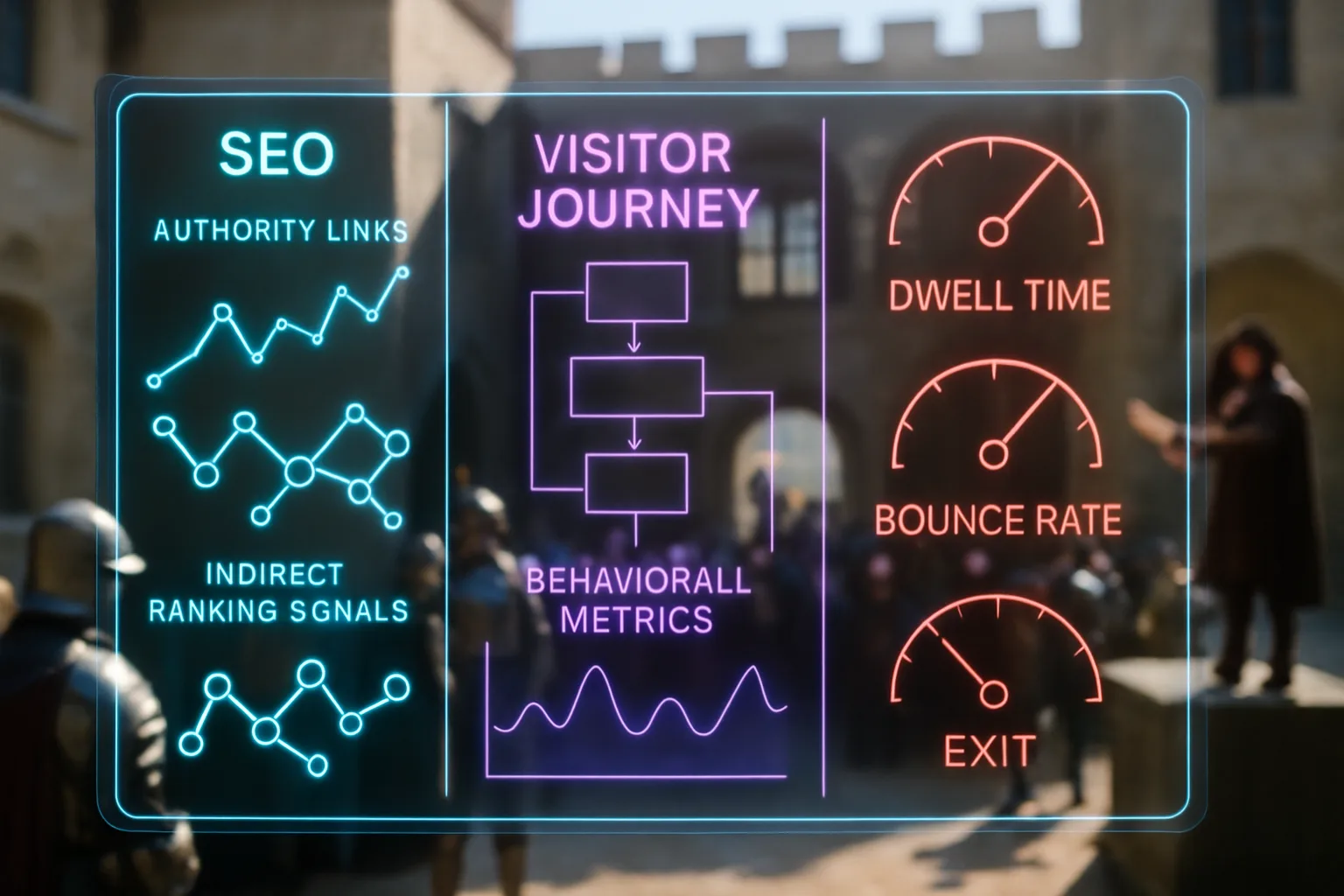
It's worth being specific about what trust signals do and don't do for your search rankings, because the relationship is real but often misstated. Trust signals don't directly cause a page to rank higher in search results; Google's ranking systems don't read your reviews widget and move your page up in response. The connection is indirect, and it runs through behaviour.
A page building trust quickly tends to keep visitors on site longer. It tends to produce lower bounce rates, meaning the percentage of visitors landing and immediately leaving without interacting. It tends to generate more enquiries from the same volume of visitors. These behavioural patterns are signals Google can observe, and they form part of how Google assesses whether a page is useful to the person who clicked it. Research on trust signals and SEO confirms the relationship runs through this user-behaviour pathway rather than through any direct trust-signal ranking factor.
The practical effect is that a page doing good trust-signal work tends to earn better performance signals over time, which in turn tends to support its position in search. It's not a switch. It's the slow accumulation of evidence a page is worth showing to people looking for what it offers.
The table below shows the most common website trust signals, their placement, and their relative impact for service businesses.
| Trust Signal | Best Placement | Impact for Service Businesses |
|---|---|---|
| Customer reviews with names and dates | Near the form or call button | High |
| SSL certificate (padlock in browser bar) | Visible in the browser; note near forms | Foundational |
| Professional accreditation badge (linked) | Header or near credentials | High in regulated industries |
| Real team photograph | About page and homepage | Medium to high |
| Physical address | Header or footer | Medium |
| Privacy policy and terms | Footer link | Medium (absence reduces trust) |
| Recent activity or dated reviews | Testimonials section and homepage | Medium |
| Client logos (recognisable brands) | Homepage, below the fold | Medium |
| Vague claims ("trusted by thousands") | Anywhere | Low or negative |
Trust signal placement and impact for small and medium service businesses. Signals without verifiable backing consistently underperform those a visitor can confirm independently.
Closing reflection
Your website can rank well, load quickly, and look polished, but if a visitor landing on it can't find a reason to believe you are who you say you are, they won't contact you. The businesses converting the most enquiries from the same traffic aren't always the fastest or the most designed. They're the ones placing the right evidence in the right place: a named review beside the form, a linked credential in the header, a real face in the about section. None of that is complex. Most of it is simply specific, and specificity is what trust is made of.
You shouldn't have to watch visitors arrive and leave without ever making contact. With Zahavah Studio you won't.
Contact Zahavah Studio to build a conversion-ready website that places trust signals where your visitors are deciding.
There are a few questions coming up consistently when businesses start comparing which trust signals to prioritise and how to use them well.
Frequently Asked Questions
What are website trust signals in e-commerce?
In an e-commerce setting, website trust signals are the elements telling a shopper it's safe to enter their card details and the product will arrive as described. The signals work harder here than on a service page, because the transaction is immediate and the risk feels more concrete. The foundational signal is an SSL certificate, which encrypts payment data in transit. Above that, the most effective signals are customer reviews with photos and verified purchase labels, a clear and human returns policy stated in plain language, and recognisable payment logos (Visa, Mastercard, PayPal) displayed at checkout. For smaller or newer e-commerce businesses, third-party review platforms like Trustpilot or Google Shopping reviews carry more weight than on-site testimonials, because they come from a source the shopper can verify independently. A visible customer service contact, whether a phone number, an email, or a chat widget, also reduces cart abandonment because it tells the shopper someone real is available if something goes wrong.
What is a website trust signal, exactly?
A website trust signal is any element on your page providing a visitor with independently verifiable evidence your business is legitimate, others have used it successfully, and handing over their details carries no unusual risk. The key word is verifiable. A trust signal a visitor can confirm through a third party, whether by clicking through to a review platform, to a professional body's register, or to a padlock certificate, carries far more weight than a claim you make about yourself. "Award-winning service" printed on your homepage isn't a trust signal. A badge linking to the organisation awarding it is. The difference is evidence versus assertion, and visitors, even those unable to articulate the distinction, feel it almost immediately. Understanding which of your existing credentials can be made verifiable is often the fastest way to improve conversion without rebuilding your site.
How do I know if my website looks professional enough to build trust?
The fastest test is to ask someone unfamiliar with your business to spend thirty seconds on your homepage and then tell you, without prompting, what your business does, where it's based, and whether they'd feel comfortable contacting you. Most businesses failing this test do so not because of bad design but because they've left out the specifics making a site feel real: no address, no named team, no recent reviews, no credential with a link behind it. Design polish helps in the first impression, but it doesn't carry the weight people assume it does. A plainer site with a real address, a named founder's photo, and forty Google reviews converts at a higher rate than a beautifully designed site with a stock photo and a generic contact form. Professional appearance and actual credibility aren't the same thing, and visitors distinguish between them faster than most business owners expect.
How do reviews work as website trust signals?
Reviews function as the most direct answer to the question every visitor is silently running: has someone else taken this risk and come out fine? The format counts more than the volume. Ten reviews from named customers describing specific jobs in specific places outperform a hundred anonymous five-star ratings. Recency also counts: a business with reviews from the past few weeks signals it's currently active, not merely well-reviewed in an earlier period. For placement, reviews belong close to the action you want the visitor to take. A testimonials page buried in the navigation isn't the same as a review displayed beside a booking form. The visitor who would have been reassured by the review never sees it, because they've already decided before reaching it. Display reviews where the doubt is highest, and make sure each one is specific enough to answer the question it's meant to answer.

Yvonne van Wyk
SEO Strategist · Zahavah Studio
Yvonne van Wyk runs Zahavah Studio, a Johannesburg SEO agency focused on long-term search visibility and AI citation. Her writing covers local SEO, content strategy, analytics, and the mechanics of how search works.
Everything on this blog is written to inform and educate. It is for information only. Nothing here is professional legal, financial, or technical advice. If you are making a significant business decision, speak to a qualified professional first. Zahavah Studio works hard to keep this content accurate and current, but is not liable for decisions made based on what you read here.