11 July 2026 · Updated 22 October 2026

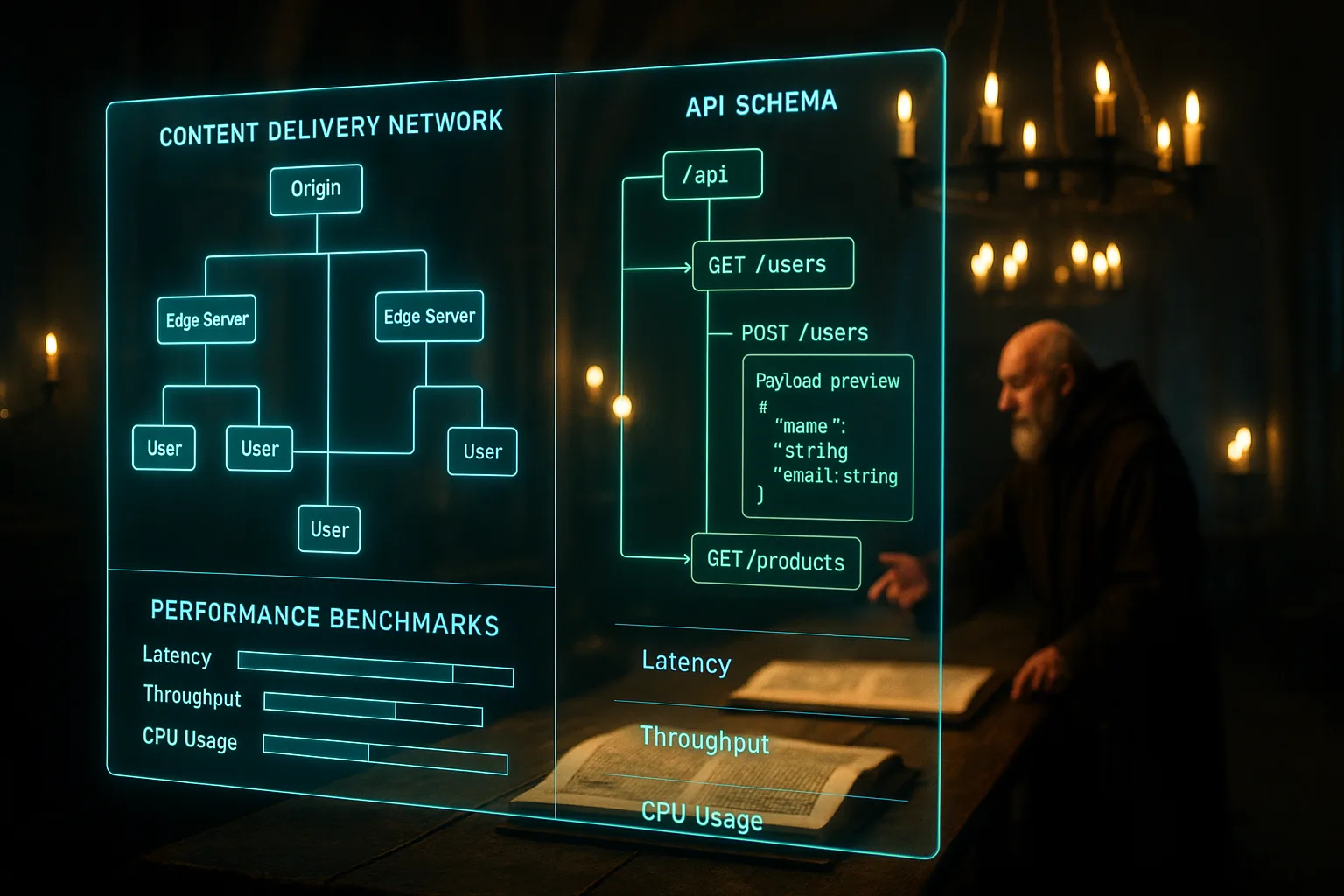
Table of Contents
- What is headless CMS vs traditional CMS?
- Key takeaways
- How a traditional CMS works and where it fits
- How a headless CMS works and what it makes possible
- Performance differences and what they mean for search rankings
- Content management differences: who does the work
- SEO implications of each architecture
- When to choose each and what the decision costs
- Closing reflection
- Frequently asked questions
A web developer in Dublin rebuilds a growing furniture retailer's website on a new platform. Six weeks after launch, the site loads in under two seconds, the product pages rank higher than before, and the marketing team publishes content without raising a ticket. The owner has no idea what changed under the bonnet. She knows only that the phone started ringing more. What changed was the architecture, and the decision behind it took thirty minutes to make badly and three years to undo.
What is headless CMS vs traditional CMS?
A traditional CMS keeps your content and your website's front end together in one package; WordPress is the most common example. A headless CMS separates them: your content sits in a central store, and a separate layer built by a developer displays it. The headless CMS overview from DatoCMS Academy traces three stages: traditional, decoupled and fully headless.
Key takeaways
- A traditional CMS like WordPress bundles your content and your website's design in one system, making it quick to set up but harder to adapt as your business grows.
- A headless CMS separates content from display, so the same content can appear on your website, a mobile app, and a digital display without being rewritten.
- Headless platforms tend to deliver pages 40 to 60 percent faster than traditional systems, which affects both your visitors' experience and where you appear in search results.
- Traditional CMS platforms suit businesses publishing primarily to one website, especially if the team has no developer on staff.
- Headless CMS suits businesses with multiple channels, high-performance requirements, or a development team capable of building the front end.
- The wrong choice costs more to reverse than to make correctly the first time.
How a traditional CMS works and where it fits
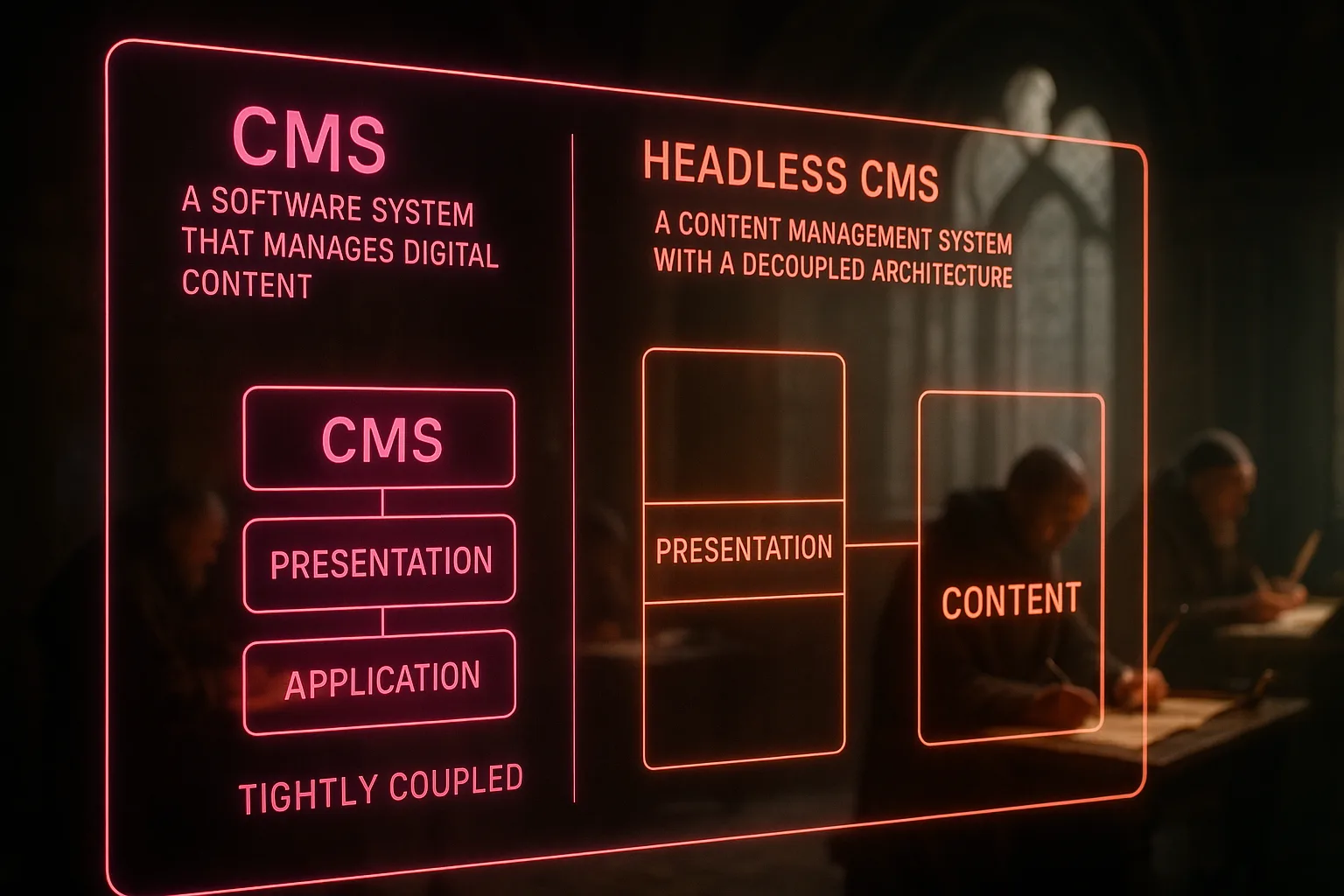
A traditional CMS handles everything in one place: writing, styling, publishing, and displaying content are all managed inside the same system. WordPress, Joomla, and Drupal operate this way. You install the software, choose a theme controlling how your site looks, write your pages and posts inside the editor, and publish. The system generates the HTML visitors see, often pulling from a database on every page request.
This bundled approach works well for businesses publishing content to a single website with a small or non-technical team. A physiotherapy clinic in Cape Town running a blog and a services page doesn't need content to appear in three different channels simultaneously. Their team logs into one dashboard, writes, and publishes. The system handles everything else. There's nothing wrong with that, and the platform's simplicity is a genuine feature, not a compromise.
The limitation appears when the business grows beyond that single channel. A retailer who later needs a mobile app, a kiosk display in-store, and a syndicated product feed is asking the traditional CMS to do something it wasn't built to do. The design layer and the content layer are tangled together, so separating them later requires rebuilding the site rather than reconfiguring it.
How a headless CMS works and what it makes possible
A headless CMS stores your content in a structured format and delivers it through an API. An API, in plain terms, is a channel your content travels through to reach wherever it needs to appear. Your website's front end requests the content, receives it in a clean data format, and displays it according to its own rules. Your mobile app makes the same request and displays the same content according to its own layout. The content is written once and delivered everywhere.
The headless CMS architecture comparison from Sitecore outlines how this separation allows teams to deliver content across websites, apps, digital signage, and emerging channels without rebuilding or duplicating their content library. This is most relevant to businesses publishing across multiple touchpoints or expecting to add new channels as they grow.
The trade-off is setup complexity. A headless CMS has no built-in front end. Someone needs to build the layer taking the content and turning it into a website visitors can see and use. That requires a developer. For businesses without one, or without budget for one, the headless approach creates a dependency a traditional CMS avoids entirely.
Performance differences and what they mean for search rankings
Page speed is one of the factors Google uses when deciding how to rank pages in search results. Consider it like this: Google acts like a property inspector before recommending a building, and a slow, creaking site fails the inspection before the content is even read. A page taking four seconds to load on a mobile connection in Lagos loses visitors before they've read a word, and search engines register that loss.
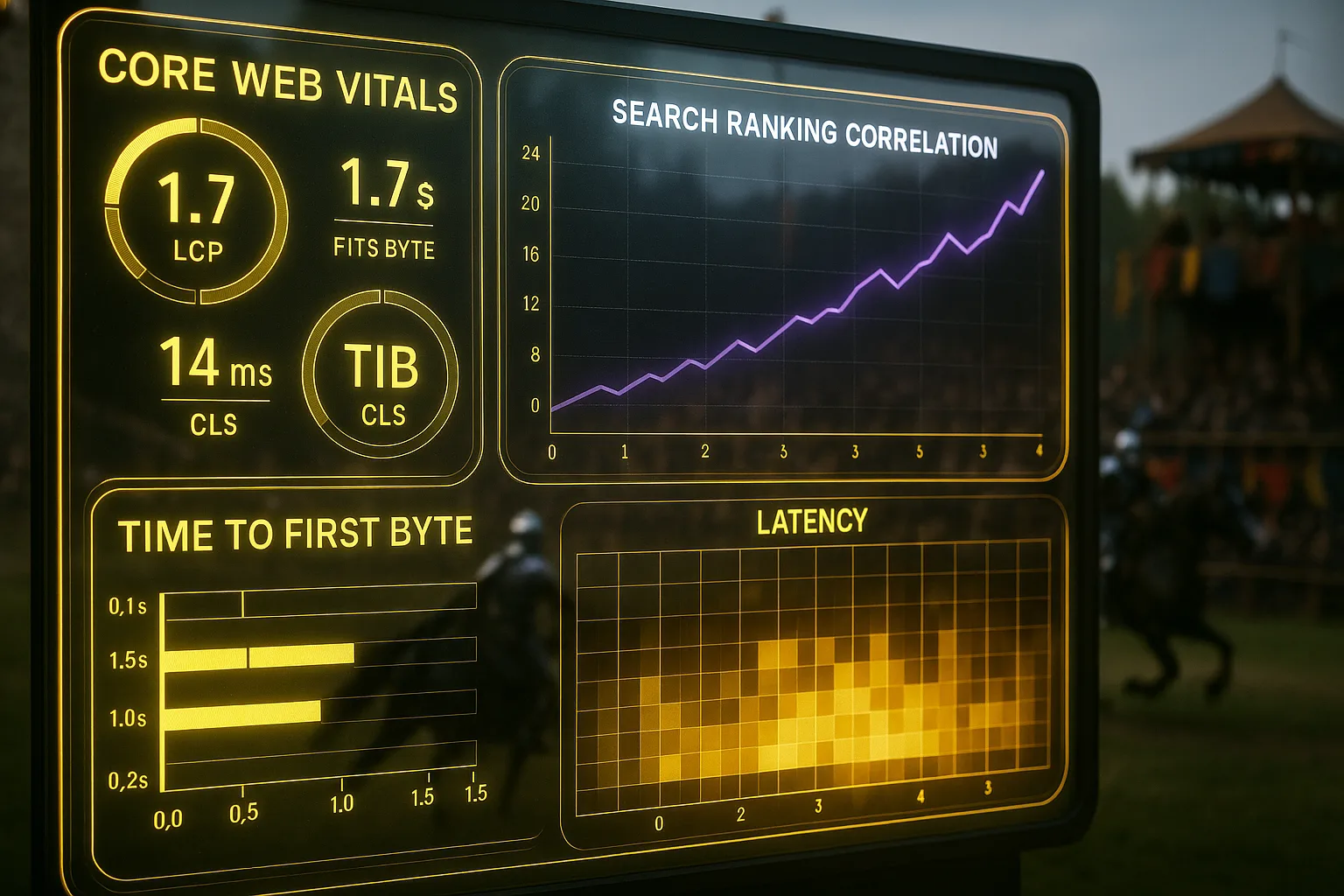
Headless CMS architectures typically outperform traditional ones on loading speed. Because the front end is built separately, developers can use modern frameworks loading only what a visitor needs rather than the full page at once. Research comparing CMS performance data puts headless sites at 40 to 60 percent faster than their traditional counterparts on equivalent content. That difference shows up in Core Web Vitals scores, the specific speed and responsiveness measurements Google uses to assess your site's quality as part of its ranking process.
Traditional CMS platforms, particularly WordPress installations loaded with plugins, often carry performance overhead. Every plugin adds a request, and every request adds time. Managed carefully, a traditional CMS can still perform well. But the ceiling is lower, and reaching it requires ongoing technical maintenance many small business owners aren't resourced to handle.
Content management differences: who does the work
The practical experience of managing content differs sharply between the two approaches. In a traditional CMS, a non-technical team member can write a post, format it, add images, preview it, and publish it without involving anyone else. The editor is built into the system. What you see is close to what your visitors will see. This is a meaningful advantage for small teams where the person writing the content is also the person running the business.
In a headless CMS, content editors work in a structured interface separating writing from display. You fill in fields: a title field, a body field, an image field. You don't see the finished page while you work. Preview functionality exists in most modern headless platforms, but it requires configuration. According to the headless CMS benefits overview from Ramotion, this structured editing approach suits teams managing content across multiple channels well, because it enforces consistency a free-form editor can't. For a solo founder publishing a weekly blog, the additional structure adds friction with no corresponding benefit.
A simplified view of how content flows in each architecture:
| Feature | Traditional CMS | Headless CMS |
|---|---|---|
| Content and display | Bundled together | Separated by API |
| Setup complexity | Low | High |
| Page load speed | Moderate | Typically faster |
| Multi-channel delivery | Limited | Native |
| Non-technical editing | Easy | Possible but structured |
| Developer dependency | Low | High |
| Plugin/theme library | Large | Growing |
SEO implications of each architecture
The headless CMS SEO impact is where the choice becomes consequential for businesses focused on search performance. A headless site built well performs better on the technical signals Google measures: speed, mobile responsiveness, clean HTML structure, and efficient delivery of content. Because the front end is purpose-built, there's no residual code from themes or plugins cluttering the page's output. Google's crawlers, the automated systems scanning and recording your website for inclusion in search results, receive cleaner, more structured information.
The risk with headless CMS and SEO lies in the build. A poorly configured headless front end can deliver content through JavaScript in a way Google struggles to read. When content loads only after a script runs, Google's crawler may arrive before the content is visible and record an empty or incomplete page. This is a known failure mode, not a theoretical one, and it requires developer attention to prevent. A traditional CMS, by contrast, renders the full page content by default, so Google's crawlers almost always see what visitors see.
Currently, headless CMS adoption rates report publishing content across more than one channel. For those businesses, the headless architecture's SEO benefits compound: consistent content structure, faster delivery, and clean code add up over time to a site Google finds easier to rank.
When to choose each and what the decision costs
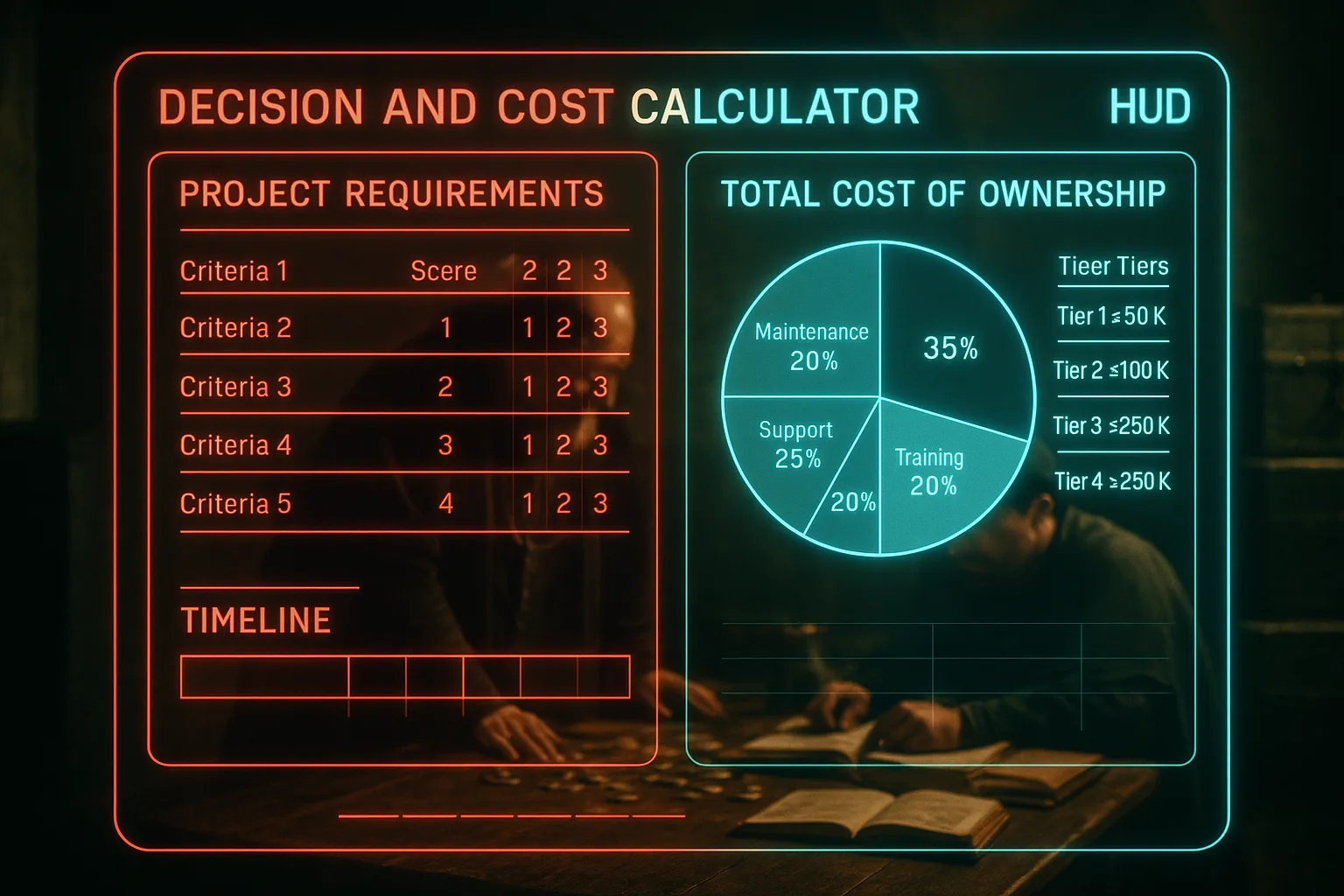
The right choice depends on three things: your team's technical capacity, your publishing channels, and your growth trajectory. A traditional CMS is the correct choice when your website is the only channel you publish to, your team has no developer, and you need to be able to update content yourself today. It isn't a lesser choice. It's the appropriate one for the situation. Most small and medium businesses in South Africa and elsewhere are in exactly this position, and a well-maintained WordPress site can rank well, perform adequately, and serve its purpose for years.
A headless CMS is the correct choice when you publish to more than a website, your performance requirements demand the fastest possible loading times, or you have a development team to build and maintain the front end. It's also worth considering if your business is growing quickly and you expect to add channels, because migrating away from a traditional CMS later is expensive. The CMS decision framework from Storyblok shows headless adoption rising steadily among mid-market businesses, driven by multi-channel publishing needs and performance demands traditional systems can't meet without significant modification.
The cost of the wrong decision runs in both directions. A business adopting a headless CMS without the developer resources to maintain it ends up with a site nobody can update. A business staying on a traditional CMS when its competitors are publishing faster, cleaner sites on headless architectures gradually loses ground in search rankings it can't recover on the same platform.
The trade-offs sharpen on a shop, where what headless changes for e-commerce decides more than the developer's preference.
Neither setup ranks you by itself, whatever the vendor claims, so how headless affects SEO comes down to the build.
Closing reflection
Neither architecture is inherently superior. A traditional CMS built and maintained with care outperforms a headless CMS configured carelessly. The platform you choose should match the resources you have and the growth you are planning for. The businesses getting this wrong usually do so not from ignorance but from pressure: a deadline, a cheap option, a convincing salesperson. The decision is worth the thirty minutes it takes to make it clearly.
You shouldn't have to choose a CMS architecture and discover three years later it was the wrong call for your site's performance and SEO. With Zahavah Studio you won't.
Contact Zahavah Studio to get a clear recommendation on the platform fitting your business, your team, and your search performance goals.
The questions below address what most business owners want to know once they understand the core difference between these two architectures.
Frequently asked questions
Is a headless CMS better than a traditional CMS?
Neither is categorically better. A headless CMS vs traditional CMS comparison only produces a clear answer once you know what your business needs from its platform. A headless CMS delivers faster pages, cleaner code, and native multi-channel publishing. Those advantages are real and measurable, but they require a developer to build and maintain the front end. Without one, those advantages become liabilities. A traditional CMS is significantly easier to set up, easier for non-technical teams to use, and backed by a large library of themes and plugins. For a small business with one website and no in-house developer, a traditional CMS like WordPress is the practical choice. For a business publishing across a website, a mobile app, and additional digital channels, with a development team available, a headless CMS is the stronger foundation. The right answer depends on your team, your channels, and whether you can support the architecture you choose.
Which headless CMS vs traditional CMS option is right for your business?
Start with your publishing channels. If your content needs to appear only on your website, a traditional CMS handles that without complication. If you publish to a website, a mobile app, or other digital touchpoints simultaneously, a headless CMS is built for exactly that. Next, assess your team. A headless CMS requires a developer to build the front end and keep it maintained. If your team can't support that, the headless option creates a bottleneck rather than a solution. Finally, consider your performance requirements. If your site's loading speed is already a problem affecting your search rankings, and you have developer resources available, the 40 to 60 percent speed improvement a headless architecture can deliver is worth serious consideration. If you are unsure, consult a developer or an SEO agency before committing. The wrong platform is expensive to reverse, and the cost compounds the longer you stay on the wrong system before catching it.
Which traditional CMS is best for your brand?
Among traditional CMS platforms, WordPress holds the largest share of the market and suits most small and medium businesses well. It has the widest plugin library, the most available themes, and the largest community of developers who can support it. Joomla and Drupal are capable alternatives, but both carry steeper learning curves and smaller plugin libraries. For businesses prioritising ease of use and access to help when something goes wrong, WordPress is the default answer. The more useful question is whether any traditional CMS is right for your brand at all, given your growth plans. A business expecting to outgrow a single-channel website within two years may be better served by a headless platform now than by migrating later at greater cost. If your content needs are straightforward and your team is small, WordPress remains a sound choice, provided it is maintained and not overloaded with unnecessary plugins slowing your site down.
How do you handle content previews in a headless CMS vs a traditional CMS?
In a traditional CMS, content preview is built in. You write a post, click preview, and see a close approximation of how the page will look before you publish. The system generates the preview using the same template as the live site. In a headless CMS, preview requires additional configuration because the CMS has no built-in front end. Most modern headless platforms, including Sanity, Contentful, and Storyblok, offer preview functionality, but a developer needs to set it up by connecting the CMS to the front-end environment. Once configured, editors can see their content in context before publishing. The gap in capability has narrowed significantly as headless platforms have matured. For businesses evaluating a headless CMS vs traditional CMS, preview functionality should be part of the requirements conversation with a developer upfront, rather than something discovered to be incomplete after launch. Raising it early saves your team considerable rework later.

Yvonne van Wyk
SEO Strategist · Zahavah Studio
Yvonne van Wyk runs Zahavah Studio, a Johannesburg SEO agency focused on long-term search visibility and AI citation. Her writing covers local SEO, content strategy, analytics, and the mechanics of how search works.
Everything on this blog is written to inform and educate. It is for information only. Nothing here is professional legal, financial, or technical advice. If you are making a significant business decision, speak to a qualified professional first. Zahavah Studio works hard to keep this content accurate and current, but is not liable for decisions made based on what you read here.