29 August 2026 · Updated 21 October 2026

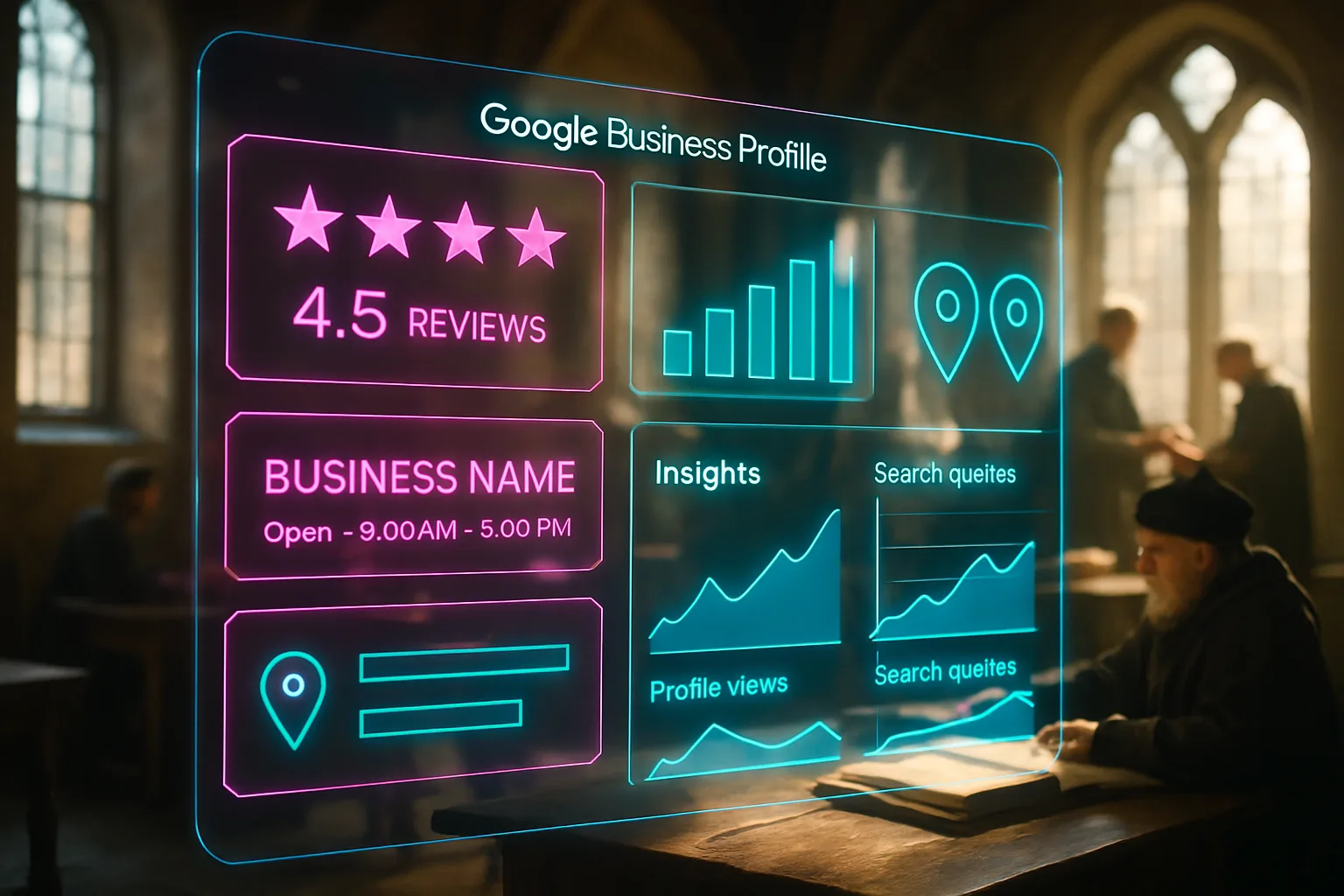
Table of Contents
- What is Google Business Profile accounting and how does it affect your local visibility?
- Key takeaways
- Why accounting firms lose the local pack to smaller competitors
- How to set up and verify your accounting firm's profile
- Choosing the right categories and services for your firm
- Getting and managing reviews from accounting clients
- Keeping your NAP consistent and your profile active
- How your website and profile work together for accounting firm SEO
- Closing reflection
- Frequently asked questions
A Polokwane restaurant owner needs a tax practitioner before the VAT deadline on Friday. She asks a business WhatsApp group and gets two names, then checks both online. One has a map listing with thirty reviews and clear hours. The other has a bare Facebook page last updated in 2022. She books the first, though the second is the more experienced CA. No one knew, the reviews decided it, not the qualifications.
What is Google Business Profile accounting and how does it affect your local visibility?
A Google Business Profile (GBP) is a free listing Google shows when someone searches for a business or service in a specific area. It is the panel with your firm's name, address, phone number, hours, photos, and reviews appearing on Google Maps and in the results above organic links. For accounting firms, it is often the first thing a prospective client sees before they visit your website or pick up the phone.
Key takeaways
- Your Google Business Profile is what places your firm on Google Maps and in the local pack, the three business listings appearing at the top of local search results.
- Verification is not optional: an unverified profile can be edited by anyone and may not appear in searches at all.
- The category you choose, and the services you list, directly shape which searches trigger your profile.
- Reviews are the most visible trust signal on your profile, and responding to every one of them is part of your search strategy.
- Consistent contact details across your website, your profile, and other directories strengthen your local ranking signals.
- A complete, active profile outperforms an abandoned one, even when the abandoned one belongs to a larger firm.
Why accounting firms lose the local pack to smaller competitors
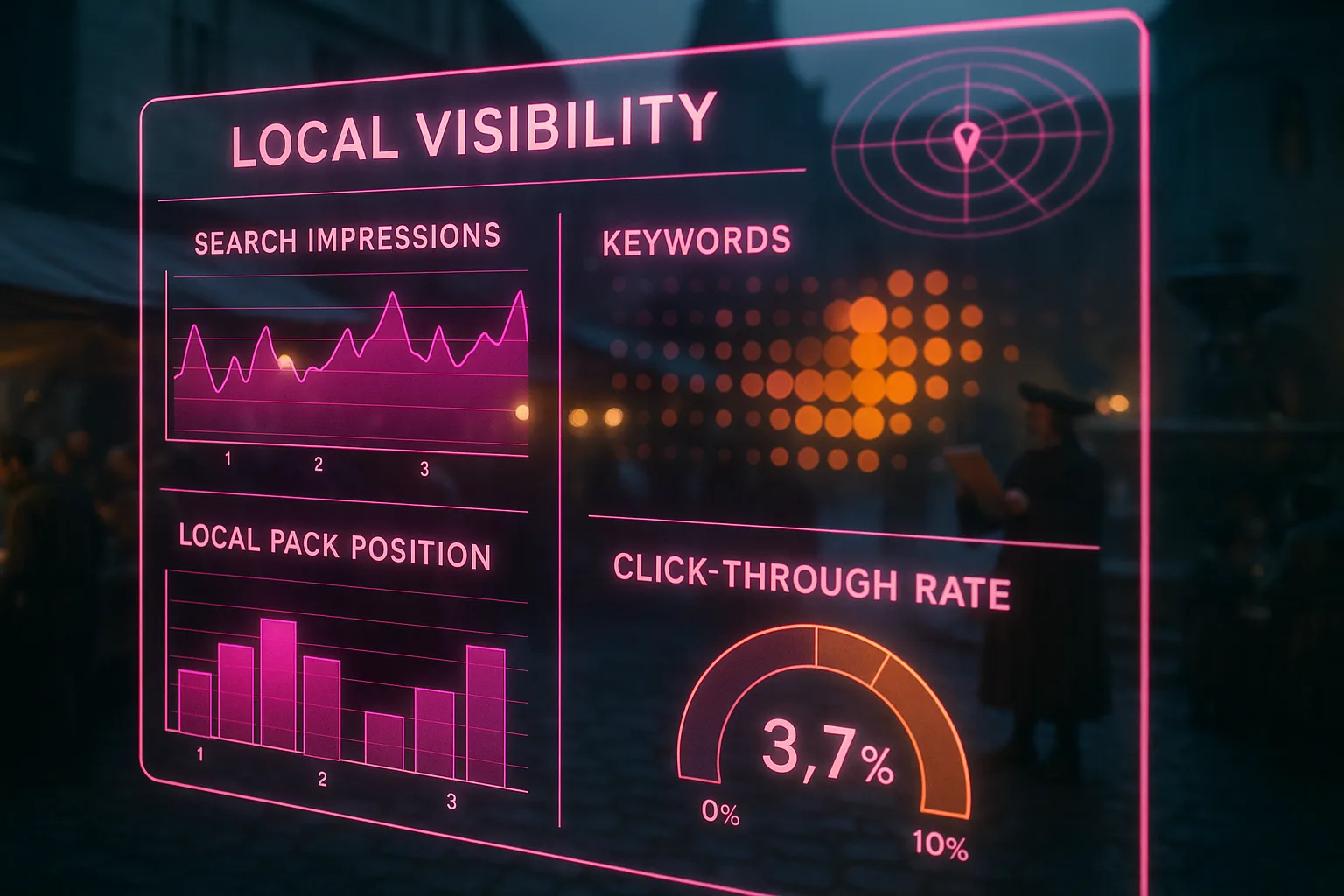
Most searches for accounting services in South Africa follow a local pattern: a business owner or individual in Centurion, Durban, or Polokwane types in a specific need and a location, or relies on Google to infer their location. Google then shows three local results above everything else. These three slots, sometimes called the local pack or map pack, receive the majority of clicks for local service searches. An accounting firm outside those three slots is, for practical purposes, invisible to that search.
The firms appearing in those three slots aren't always the largest or most experienced. Google selects them based on three factors: how relevant the business is to the search, how close it is to the searcher, and how prominent it appears across the web. A firm with a well-maintained Google Business Profile accounting listing, strong reviews, and consistent contact information across directories often outranks a larger competitor whose profile is incomplete or unverified. Size and reputation in the industry carry almost no weight if the signals Google reads are thin.
How to set up and verify your accounting firm's profile
Setting up a Google Business Profile begins at business.google.com. You create or claim your listing by entering your firm's name and selecting a business category. For an accounting practice, the most relevant primary category is typically "Accounting firm", though you may add secondary categories such as "Tax consultant" or "Bookkeeper" depending on the services your practice offers.
The verification step is where many firms stall. Google needs to confirm the business operates at the address given. The most common method is a postcard mailed to the business address containing a five-digit code, though video verification and phone verification are sometimes available. Many practices either skip verification entirely or begin the process and abandon it, which leaves the listing inactive or, worse, open to edits from unverified third parties. A profile that hasn't been verified can't reliably appear in the local pack and may display incorrect information a competitor or a bot has submitted.
Once verified, fill in every field Google offers. An address, a phone number, and a category are the minimum Google requires, but a complete listing with hours, a website link, a business description, photos, and a full services list performs considerably better than a sparse one.
Choosing the right categories and services for your firm
The category you select acts like a label on a filing cabinet. It tells Google what kind of searches should pull up your profile. If your primary category is set to "Financial planner" when your firm primarily does tax returns and annual financial statements, you'll appear in the wrong searches and miss the clients who need what you offer.
Select one primary category matching your firm's core work and add secondary categories for supporting services. A firm handling payroll, VAT returns, and company registrations alongside standard accounting work should list each of these as a service under the Services tab. Google uses this information to match your profile against searches with specific intent, such as "VAT consultant Johannesburg" or "payroll services Cape Town". The local ranking factors Google weighs for local searches include how specifically a profile's categories and services match what was typed, so the more precisely your listing describes your practice, the better its chances of surfacing for the right query.
Adding a thorough business description also helps here. The description allows 750 characters. Use them to name the types of clients your firm serves, the industries you work in, and the specific services you offer, without copying your website verbatim. Keyword-stuffed descriptions aren't a strategy; accurate, specific descriptions are.
Getting and managing reviews from accounting clients
Reviews are the most visible trust signal on a Google Business Profile accounting listing, and they operate as a ranking signal at the same time. A profile with forty recent reviews and an average of 4.6 stars will, in most cases, appear above a profile with six reviews and a 4.8 average, because volume and recency both count.
Asking clients for reviews feels uncomfortable to many accountants, but the request doesn't need to be complicated. A short message after completing a tax return or annual audit, with a direct link to the review section of your profile, is enough. Google provides a shareable link from the profile dashboard specifically for this purpose. A client asked for a review within a week of a positive interaction is far more likely to leave one than a client approached months later.
Responding to reviews, including the negative ones, isn't optional from a search-strategy perspective. Google's own guidance on business profile management confirms responding to reviews signals to Google the business is active and engaged. An unanswered negative review sitting on a profile for six months tells prospective clients and search algorithms the same thing: no one is minding the shop. Write brief, professional responses acknowledging the feedback without disclosing any client-specific information, which would create a different problem entirely under data-protection rules.

Keeping your NAP consistent and your profile active
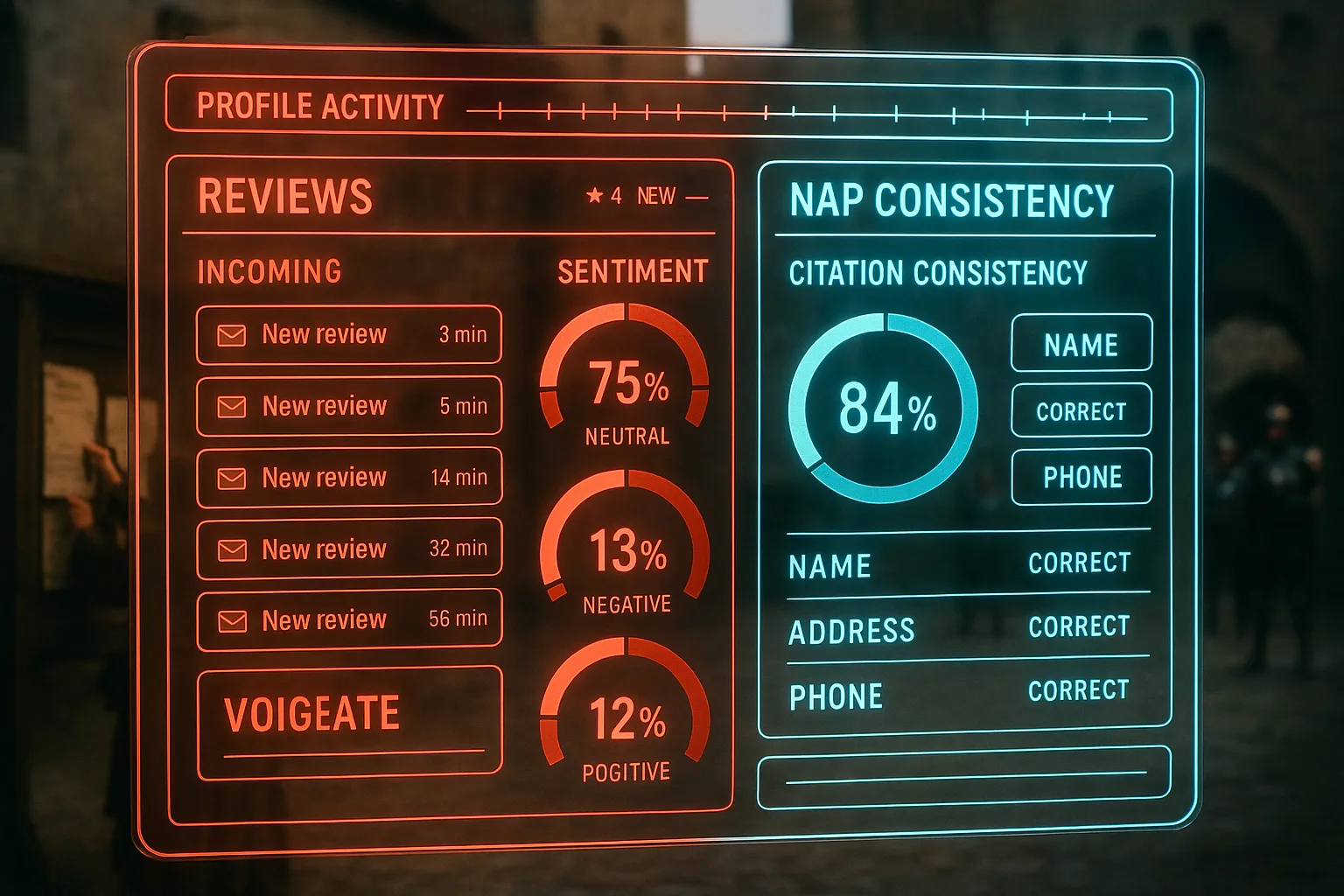
NAP stands for name, address, and phone number. These three pieces of information must be identical everywhere they appear: your Google Business Profile, your website's contact page, your listing on directories such as Brabys, Yellow Pages South Africa, and any professional body directory where your firm is registered. "Identical" means more than approximately the same. "123 Main Rd" and "123 Main Road" are different in Google's data model. "011 555 1234" and "+27 11 555 1234" are different. Inconsistency across listings weakens the location signals Google uses to determine local pack placement, and it confuses prospective clients finding different numbers on different platforms.
Beyond NAP, an active profile performs better than a dormant one. Google Posts, the short updates you can publish directly to your profile, are one of the simplest ways to show activity. A post announcing your firm's extended hours during tax season, a reminder about provisional tax deadlines, or a note about a new service takes five minutes to write and appears directly on your listing for up to seven days. Profiles with regular posts and updated photos rank more consistently than those set up and left untouched, according to practical guidance on Google Business Profile optimisation for accounting firms. Google reads inactivity as a signal the business may have closed or moved.
Photos deserve attention as well. A profile with current photos of your office, your team, and your reception area performs better in engagement metrics than a profile with a logo and nothing else. Engagement counts because Google factors in how often people interact with a profile when deciding how prominently to show it.
How your website and profile work together for accounting firm SEO
Your Google Business Profile and your website aren't separate marketing tools. They are two parts of the same local search system, and each one strengthens the other when they are aligned. The profile drives the initial visibility: it places your firm on the map and shows the basic trust signals determining whether a prospective client clicks or calls. The website carries the detail converting that interest into an enquiry or appointment.
This is where accounting firm SEO connects directly to your GBP strategy. The website URL you link from your profile should go to a page confirming everything the profile promises: the same address, the same phone number, the same services, and ideally a summary of what makes your firm the right choice for the client searching in your area. A mismatch between what the profile says and what the website shows creates friction, and friction loses the client before they pick up the phone.
Organisation structured data, sometimes called schema markup, is a piece of code you can add to your website's home page that labels your firm's contact details, services, and location in a format Google reads directly. You don't need to write this code by hand: most website platforms have plugins or settings generating it. It works alongside your GBP rather than replacing it, giving Google a second source confirming the same information and strengthening the confidence with which your firm appears in local results. Google's guidance on organisation structured data describes exactly what information this code should include for a professional services business.
For practices operating across more than one suburb or city, local SEO for multiple business locations requires a separate verified GBP listing for each physical address, not one listing with multiple locations noted in the description.
The table below compares profile completion states and their typical effect on local pack performance.
| Profile element | Incomplete profile | Complete profile |
|---|---|---|
| Verification status | Unverified or pending | Verified |
| Categories | Primary only | Primary plus 2 to 4 secondary |
| Services listed | None | All core services named |
| Reviews | Fewer than 5, no responses | 20 or more, all responded to |
| Photos | Logo only | Office, team, and reception |
| Google Posts | None in 6 months | Weekly or fortnightly |
| Website link | Homepage only | Contact or services page |
| Local pack appearance | Rare or absent | Consistent |
Closing reflection
The map pack at the top of a local search result is a small space, and only three businesses fill it at any given moment. For an accounting firm, those three slots decide which phones ring and which ones don't. The work of earning one of those slots isn't technical in the way the word suggests: it is mostly accurate information, maintained consistently, with reviews collected over time and a profile showing Google the firm is still open and still serving clients. That is what separates the firms appearing there from the ones aren't.
You shouldn't have to watch smaller competitors take enquiries coming to your firm instead. With Zahavah Studio, you won't.
Contact Zahavah Studio to get your accounting firm's Google Business Profile audited and optimised for the local searches bringing in new clients.
Most questions accounting firm owners ask about Google Business Profile come down to two things: how long it takes and what happens when something goes wrong. The answers below cover both, along with the questions arising most consistently from practices at the setup stage.
Frequently asked questions
How do I know if my accounting firm's Google Business Profile is verified?
Verification status shows inside your Google Business Profile dashboard. When you log in at business.google.com, your profile's status appears near the top of the page. A verified profile shows a blue tick or a "Verified" label next to your business name. An unverified profile shows a prompt asking you to complete verification, often with a red or yellow indicator.
If you're not sure whether your firm has a profile at all, search for your firm's name on Google Maps. If a profile appears you didn't create and can't access, another person or Google's automated systems may have generated it from publicly available data. You can claim this existing profile through the "Own this business?" link appearing on the listing. Claiming and then verifying the existing profile is faster than creating a new one and avoids the risk of duplicate listings, which can dilute your local ranking signals. Duplicate listings are one of the most common problems practices face when they try to set up their profile for the first time, particularly for South African accounting firms working through the verification process.
How long does Google Business Profile accounting optimisation take to affect my local rankings?
Most firms see movement in their local pack visibility within six to twelve weeks of completing and verifying a profile, assuming the supporting signals are also in place. "Supporting signals" means consistent NAP details across directories, a linked website with matching contact information, and at least a handful of recent reviews. A profile newly verified but with no reviews, no photos, and no posts will move more slowly than one active from the start.
The timeline isn't a straight line. Your ranking in the local pack shifts depending on where the searcher is physically located, what category they searched for, and how your profile compares to competitors at that moment. A practice in a suburb with three competitors is likely to see results faster than one in a central business district with thirty. Consistent activity on the profile, including responding to reviews and publishing Google Posts, tends to compress the timeline compared with a set-and-forget approach.
Can my accounting firm appear in local searches without a physical office address?
Yes, with conditions. Google offers a "service area business" setting for firms serving clients at the client's location rather than at a fixed office. Under this setting, your street address is hidden from your public profile, and you instead specify the suburbs, cities, or regions you serve. This is useful for mobile bookkeepers or practices without a permanent office space.
The trade-off is a service area business tends to rank less strongly for location-specific searches than a business with a verified physical address, because the distance signal Google uses is harder to calculate without a fixed point. If your firm has any kind of consistent office presence, even a shared or co-working address, verifying a physical address will produce better results. If you operate entirely without a fixed location, the service area setting is still worth using: local SEO guidance confirms it produces considerably better outcomes than having no profile at all.
What should I do if a competitor posts a fake review on my accounting firm's Google Business Profile?
Flag the review for removal using the "Report a review" option available on every review in your profile dashboard. Google reviews the flagged content and removes it if it violates their review policies, which include prohibitions on fake, spam, and conflict-of-interest reviews. The process can take several days to several weeks, and Google doesn't notify you of every decision.
While the flagged review is under consideration, post a calm, professional response. Don't accuse the reviewer of being fake in the response, even if you are certain they are. A response reading as defensive or aggressive damages your profile more than the fake review does. A brief note acknowledging the feedback and noting your records show no client interaction matching the description is sufficient. If the review isn't removed after escalation through the Google Business Profile support channels, a pattern of genuine positive reviews over time reduces the proportional effect of a single negative one on your overall rating.

Yvonne van Wyk
SEO Strategist · Zahavah Studio
Yvonne van Wyk runs Zahavah Studio, a Johannesburg SEO agency focused on long-term search visibility and AI citation. Her writing covers local SEO, content strategy, analytics, and the mechanics of how search works.
Everything on this blog is written to inform and educate. It is for information only. Nothing here is professional legal, financial, or technical advice. If you are making a significant business decision, speak to a qualified professional first. Zahavah Studio works hard to keep this content accurate and current, but is not liable for decisions made based on what you read here.