6 October 2026

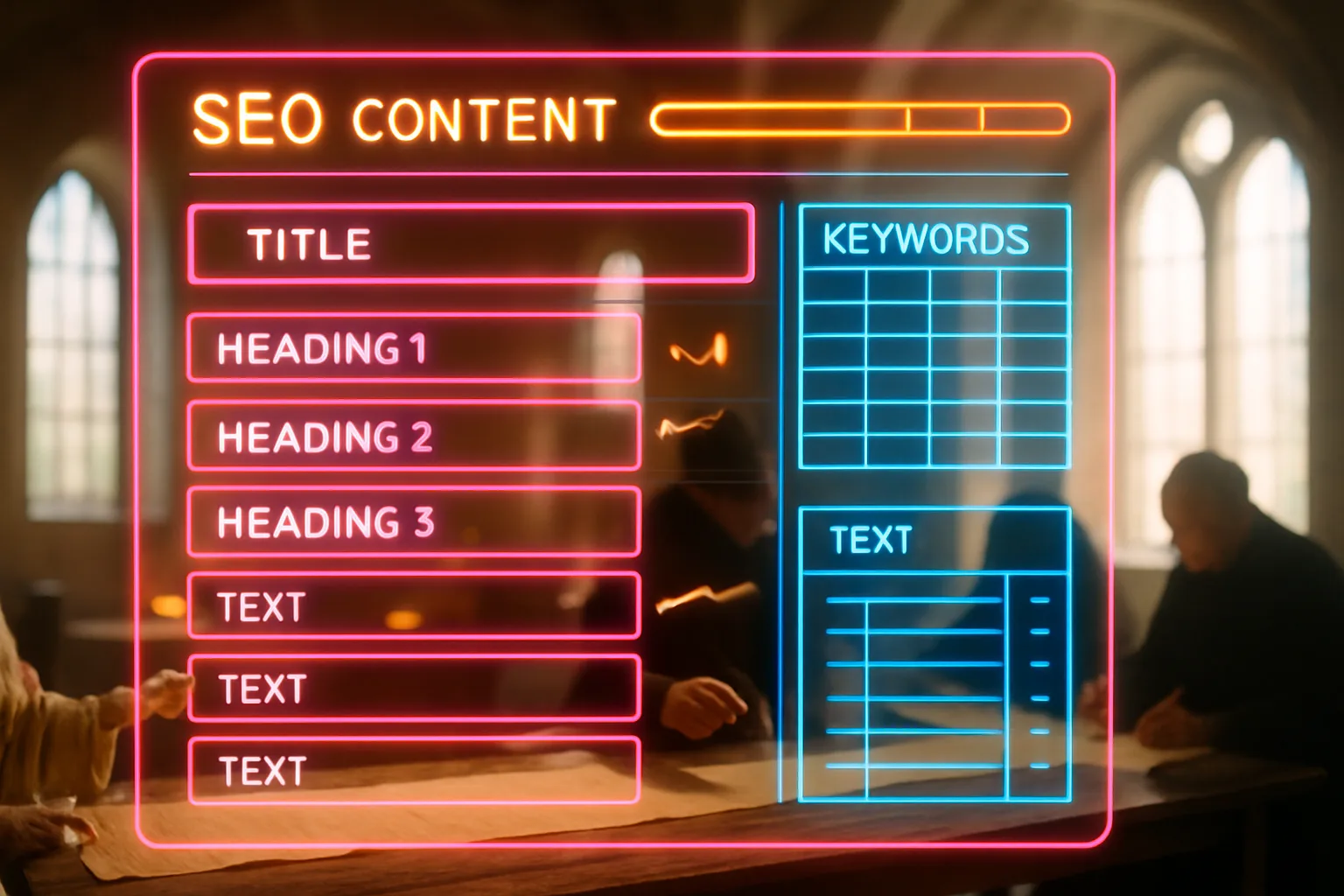
Table of Contents
- What are SEO content templates?
- Key takeaways
- Why structure shapes your rankings before you write a word
- What a complete SEO content template contains
- How intent type changes the template shape
- How templates fit into a content publishing workflow
- The signals a template encodes for search engines
- Building your first template: a practical start
- Closing reflection
- Frequently Asked Questions
A marketing manager at a joinery firm in Manchester opens a blank document and starts writing. She has a focus keyword, a rough idea, and good intentions. Two hours later she has a 900-word post about what her company does, with no clear heading structure, no section answering the question the keyword implies, and an introduction that takes three paragraphs to arrive at the point. The post goes live. It ranks nowhere. She writes another one the same way next month.
What are SEO content templates?
An SEO content template is a pre-built document structure that decides the shape of a page before any writing begins. It specifies which sections the page needs, in what order, and what job each section does for both the reader and for search. Consider it like a building plan: the architect draws the rooms before the walls go up. A template does the same for a page, mapping the heading hierarchy, the intent signals, and the content blocks so no writer has to invent the structure from scratch.
Key takeaways
- A content template is decided before writing starts, not discovered during it. The structure signals to search engines what kind of page this is and what question it answers.
- Without a template, each writer invents the structure independently, which produces inconsistent pages harder for Google to interpret.
- Templates reduce the time spent on each piece and increase the chance every page covers the signals search engines look for, including clear headings, a definition, and a direct answer near the top.
- A well-built template encodes the intent type of the page, whether it is a how-to, a definition, a comparison, or a local service page, so the structure matches what searchers are actually looking for.
- Templates support a content publishing workflow by making the output predictable, which means editing, updating, and refreshing old content all become faster and more systematic.
Why structure shapes your rankings before you write a word

Every page you publish is a signal to Google about what that page covers and who it serves. Google doesn't read a page the way a person does; it scans headings, reads the first paragraph for topic signals, checks whether a clear answer appears near the top, and then uses all of that to decide where the page belongs in search results.
When you write without a template, you decide the structure mid-sentence. The heading you choose is whatever felt right at the time. The order of sections follows the order you thought of things. The result is a page where the structure reflects your writing process, not the intent of the person who typed the search query.
Google's own guidance on content structure and site quality treats page structure as a primary signal during any review of a site. A page opening on a clear definition, moving to supporting evidence, and closing on a specific answer gives Google clean signals at every step. A page wandering through loosely connected points does not. The template is the mechanism making the clean signal repeatable, page after page, without relying on any individual writer to get it right by instinct.
What a complete SEO content template contains
A complete template isn't a checklist of tips; it is a scaffold with named sections, each carrying a specific job.
The sections a template typically carries are:
- Focus keyword and intent type: written at the top of the template, not discovered mid-draft. The intent type names whether this page is a definition, a how-to, a comparison, a local service page, or a category page. The intent type determines the section order below.
- Title and H1: the page title containing the keyword, in a form a real person would search.
- Opening paragraph: a short, specific scene or statement of the problem, without the keyword, to land the pain before the definition arrives.
- Definition or "what is" section: the first H2, containing the keyword, defining the term or topic in plain language.
- Key points or benefits: a bulleted section summarising what the page covers, positioned early so a reader skimming gets the value.
- Main body sections: named H2 headings, each with a defined job. A how-to page lists steps. A comparison page carries a table. A local service page carries a section on the area and a section on the specific service.
- A table or comparison block: where the content is genuinely comparative, a table earns more space in search results and serves a reader deciding between options.
- A closing and call to action: a short conclusion not summarising what was just said, followed by one clear next step.
- FAQ section: three to five questions drawn from what people actually search around the keyword, each answered directly.
The template doesn't write the content. It names the rooms. The writer furnishes them.
How intent type changes the template shape
The same keyword phrase can carry different intent depending on who searches it. "Content templates" typed by a first-time blogger means something different to "content templates" typed by a marketing manager who wants a repeatable system for a five-person team. A template ignoring this produces a page addressing the wrong reader, and a page addressing the wrong reader doesn't rank.
A definition page opens on a plain explanation of the term, moves to why it carries real consequence for the business, and closes on what to do with the knowledge. A how-to page opens on the problem, moves through numbered steps, and closes on the expected outcome. A comparison page opens on the decision being made, moves through a table of options across consistent criteria, and closes on a recommendation or a qualifying question. A local service page opens on the location and the service, moves through evidence of local relevance, and closes on a booking or enquiry path.
Intent types mapped to template shapes
| Intent type | Opens with | Middle sections | Closes with |
|---|---|---|---|
| Definition | Plain-language answer | Why it carries consequence, how it works | Next step or related concept |
| How-to | The problem | Numbered steps with explanation | Expected outcome |
| Comparison | The decision | Table across consistent criteria | Recommendation or qualifier |
| Local service | Location and service | Area evidence, trust signals | Booking or enquiry |
| Category / pillar | Scope of the topic | One section per sub-topic | Links to children |
When you build a template, you pick the intent type first. The section order follows from that choice. A how-to template applied to a definition keyword produces a page answering the wrong question in the right format. That mismatch costs rankings.
How templates fit into a content publishing workflow

A template's value multiplies the more people are involved in publishing. When one person writes every page, inconsistency still creeps in because the same person invents the structure differently on different days. When a team of three writes under different briefs, the inconsistency is severe. Google interprets a site with wildly varying page structures as a site with no clear model, and a site with no clear model is harder to rank because each page is harder to categorise.
Templates solve this by separating the structural decision from the writing decision. The editor or the strategist makes the structural decision once, encoding it into the template. The writer makes the writing decision inside a structure already correct. The content publishing workflow becomes a system: brief arrives, template is applied, writing fills the structure, editor checks the fill, page goes live.
Pages built without this separation carry a concrete cost: Google's revamped SEO starter guide treats content planning and structure as prerequisites for pages earning consistent visibility, not as refinements applied after the fact. Skipping the template doesn't save time; it creates pages needing to be rebuilt.
The signals a template encodes for search engines
A page written inside a good template encodes several signals a page written freeform often misses.
The first is heading hierarchy. Search engines read H1, H2, and H3 headings as signals about the topic and its sub-topics. A page where every heading is an H2, with no hierarchy, gives Google a flat topic signal. A page where H2 headings name the major sub-topics and H3 headings organise the detail within each gives Google a map. The template enforces the hierarchy so no writer forgets it.
The second is the early answer. Pages putting the direct answer to the implied question near the top earn more featured snippet placements, which are the boxed answers Google pulls to the top of search results before the usual list of pages. A template opening every article with a definition section, positioned as the first H2, encodes this signal by default.
The third is coverage completeness. Research on SEO content structure consistently shows pages covering a topic more completely than competing pages hold positions better over time. A template built around a specific keyword and intent type prompts you to cover every sub-question a searcher plausibly has, rather than stopping when the main idea is written.
The fourth is internal signal alignment. When every page on your site follows a predictable structure, the headings across pages share a consistent pattern, which makes your site easier for Google to categorise as a coherent source on the topic rather than a collection of unrelated posts.
Building your first template: a practical start

You don't need a content management system or a specialist tool to build a working template. A shared Google Doc with named sections and brief notes on what each section does is enough for most small businesses.
Start by identifying the type of page you publish most often. For a services business, that is probably a service page or a how-to article. For a local business, it is probably a location-plus-service page. Pick that type and build one template for it.
Document SEO content template elements typically include: a title field, a meta description field, the H1, the opening paragraph brief, the definition H2, two to four main body H2s with a one-line job description beside each, and an FAQ section. Write those fields into your document and add one sentence beside each explaining what it is for. That note is what allows a writer new to your site to fill the template correctly without guessing.
Once the template exists, apply it to your next five pages before making any changes. The first application reveals where the template needs adjustment. A section every writer skips or shortens is either misnamed, misplaced, or genuinely unnecessary. Remove it or restructure it based on what you observe, not on what seemed right when you built it.
Programmatic approaches extend this logic further: data-driven page templates generating dozens of location or category pages from a single structure demonstrate how a well-designed template scales without repeating the structural decision for each page.
The template isn't a cage. A writer who has something to say falling outside the template should say it. But the sections the template requires are required for a reason, and skipping them because the copy felt finished is how a page ends up missing its most important search signal.
Closing reflection
A blank page is the wrong place to solve a structural problem. By the time a writer has produced 800 words in a direction the page didn't need, the structural decision is already expensive to reverse. The template makes that decision before it becomes expensive. It doesn't constrain good writing; it clears the path for it by removing the structural question entirely. Every page going live inside a good template is a page not needing to be rebuilt later because the structure was wrong from the start.
You shouldn't have to publish a page and hope it was structured correctly. With Zahavah Studio you won't.
Contact Zahavah Studio to build a content template system making every page you publish structurally sound from the first draft.
If you're still wondering what a template needs to contain, or how to apply one across different page types, the questions below cover the most common sticking points.
Frequently Asked Questions
How do I know if my SEO content template is working?
The clearest signal is whether pages built on the template rank for their target keyword faster than pages written without one. Track the time between publication and first-page-one appearance. If templated pages consistently rank within three to six months and freeform pages take longer or don't rank at all, the template is doing its job. A secondary signal is coverage consistency: open five templated pages and check whether each carries a definition section, a clear heading hierarchy, and an FAQ. If yes, the template is being applied correctly. If pages are missing sections, the template needs better documentation at the point where it is handed to writers, not a structural overhaul. Google Search Central's guidance on site content review names structure as a primary signal, so consistent structure across your site produces a compounding benefit over time.
Can I use the same SEO content template for every page type?
A single template works only when your pages share the same intent type. A how-to template applied to a product category page produces a page with the wrong structure for the searcher's question, even if every field is filled correctly. The standard approach is one template per intent type: one for how-to articles, one for local service pages, one for comparison pages, and one for definition or pillar pages. Most small businesses need two or three templates to cover their full content mix. Building one well and applying it consistently to the right page type beats having six loosely defined templates writers interpret differently each time. An SEO content template guide recommends mapping intent type to template before any keyword research begins, so the structural decision is made as part of planning rather than during writing.
How many sections should an SEO content template include?
The right number is the number needed to fully answer the intent behind the keyword, and no more. A how-to article typically carries five to seven named sections: an opening, a definition, a key points block, three to five instructional H2s, a closing, and a FAQ. A local service page carries fewer: a headline, a service description, a location signal, trust evidence, and a clear call to action. The failure mode in both directions is real. A template with too few sections produces thin pages missing sub-questions the searcher had. A template with too many produces pages padded to fill sections with nothing useful in them. Review the top three ranking pages for your target keyword, note the sections they share, and build those into your template as required sections. Add any section missing from competitors you know serves the reader.
How often should I update my SEO content templates?
Review your templates when two things happen: when the content written from them stops performing as well as it did, or when Google's search results for your target keywords show a materially different page structure in the top positions. Neither of these signals requires a scheduled review every quarter. A more practical trigger is the content refresh cycle: when you revisit an old page to update its information, check whether its structure still matches the template and whether the template still matches what ranks. Significant algorithm updates sometimes shift what page structure performs best for a given intent type, so a template built in one period may need adjustment after a major change. The SEO planning templates tracking ranking data over time make this review easier because they surface pages dropping before the drop becomes severe.
Do SEO content templates work differently for service pages versus blog posts?
Yes, because the intent is different. A blog post answers a question; a service page converts a visitor who already knows what they need. The template for a service page opens on the service and the business's capability, not on a definition. It carries trust signals early: credentials, location specificity, evidence of past work. It closes on a direct call to action, not on a FAQ designed to educate. A blog post template, by contrast, opens on the question, defines the term, and works through the answer with examples before closing. Applying a blog template to a service page produces content educating the visitor but not closing them. Applying a service template to a blog post produces content feeling like a sales pitch to someone who was only looking for an answer. Keep the templates separate, label them clearly, and specify at the top of each which content type it is for and which intent it serves.

Yvonne van Wyk
SEO Strategist · Zahavah Studio
Yvonne van Wyk runs Zahavah Studio, a Johannesburg SEO agency focused on long-term search visibility and AI citation. Her writing covers local SEO, content strategy, analytics, and the mechanics of how search works.
Everything on this blog is written to inform and educate. It is for information only. Nothing here is professional legal, financial, or technical advice. If you are making a significant business decision, speak to a qualified professional first. Zahavah Studio works hard to keep this content accurate and current, but is not liable for decisions made based on what you read here.