17 October 2026 · Updated 21 October 2026


Table of Contents
- What is a modern vs legacy website?
- Key Takeaways
- What your website is there to do
- Modern vs legacy website: the signs your site is out of date
- Rebuild or refresh: how to tell which one you need
- Custom-built or template: what you're paying for
- Website builders compared with a custom build
- What a modern website build includes
- Closing Reflection
- Frequently Asked Questions
A guesthouse owner in George watched a booking slip away on her phone. A guest had tapped her website from Google, waited for the page, and gone back to the results. Her site still behaved like it did in 2015: a sliding banner, a spinning wheel, a tiny menu. The designer who built it had moved to Perth. Nobody else knew how to change the rates page.
What is a modern vs legacy website?

A legacy website runs on tools and habits the web has moved past. Its theme is old, its software is out of support, and its layout was made for a desktop. A modern website suits how people and Google read pages today. It's fast on a phone, easy to change and safe to run, and the gap shows up in your enquiries.
Key Takeaways
- Your website has one job: turning someone who found you on Google into a call, a booking or a sale.
- A site turns legacy in the parts you don't see, like the software underneath and the way each page is put together.
- A refresh changes the paint and a rebuild changes the engine. Speed on a phone and how hard the site is to edit tell you which one you need.
- Templates and website builders are cheap to start and costly to outgrow, and the cost arrives as slow pages and lost control.
- A modern build brings the words, the speed and the search basics on day one, not as extras later.
What your website is there to do
Your website is there to turn a stranger into a customer, and every page, picture and button either helps with that or gets in the way. A plumber in Pietermaritzburg shows how it plays out. At seven in the morning, a homeowner with water across the kitchen floor searches for an emergency plumber on her phone. She opens three websites, and the first shows nothing but a slideshow of vans. The second asks her to accept four pop-ups before she can read a word. The third shows a phone number, the suburbs covered and a promise of help within the hour, so she calls the third one. No contest. None of the three sites was ugly, but only one did the job. Google sends you the visitor, and the website decides whether that visitor becomes work. A site judged on how it looked in the design meeting tends to fail the test it's set every morning. That test is a worried person with a phone in one hand.
Modern vs legacy website: the signs your site is out of date
A modern vs legacy website comparison comes down to a handful of signs you can check in an afternoon, without reading a line of code. Speed is the first. Google's own yardstick for a good page, called Core Web Vitals, expects the main content to appear within 2.5 seconds. An older site carrying a large slider and a dozen add-ons can take far longer on a phone. The phone is the second sign, because Google reads and ranks the mobile version of your site, not the desktop one. The third sits underneath, in software you never see. PHP, the language many older sites are written in, gives each version a fixed support window, and a site stuck on an expired version stops receiving security fixes. The table below sets the signs side by side.
Signs of a legacy website and a modern one
| Sign | Legacy Website | Modern Website |
|---|---|---|
| Speed on a phone | Main content takes several seconds to appear | Main content appears within 2.5 seconds |
| Phone layout | Menus and buttons too small for a thumb | Designed for the phone first |
| Software underneath | Past its support date, with no security fixes | Kept current as updates are released |
| Changing a price | Needs the developer who built it | Done in minutes by someone you trust |
| Add-ons | Dozens of plugins, each one a possible break | Only what the site uses |
Two or more answers in the legacy column usually mean the problem isn't the design. It's the engine.
Rebuild or refresh: how to tell which one you need
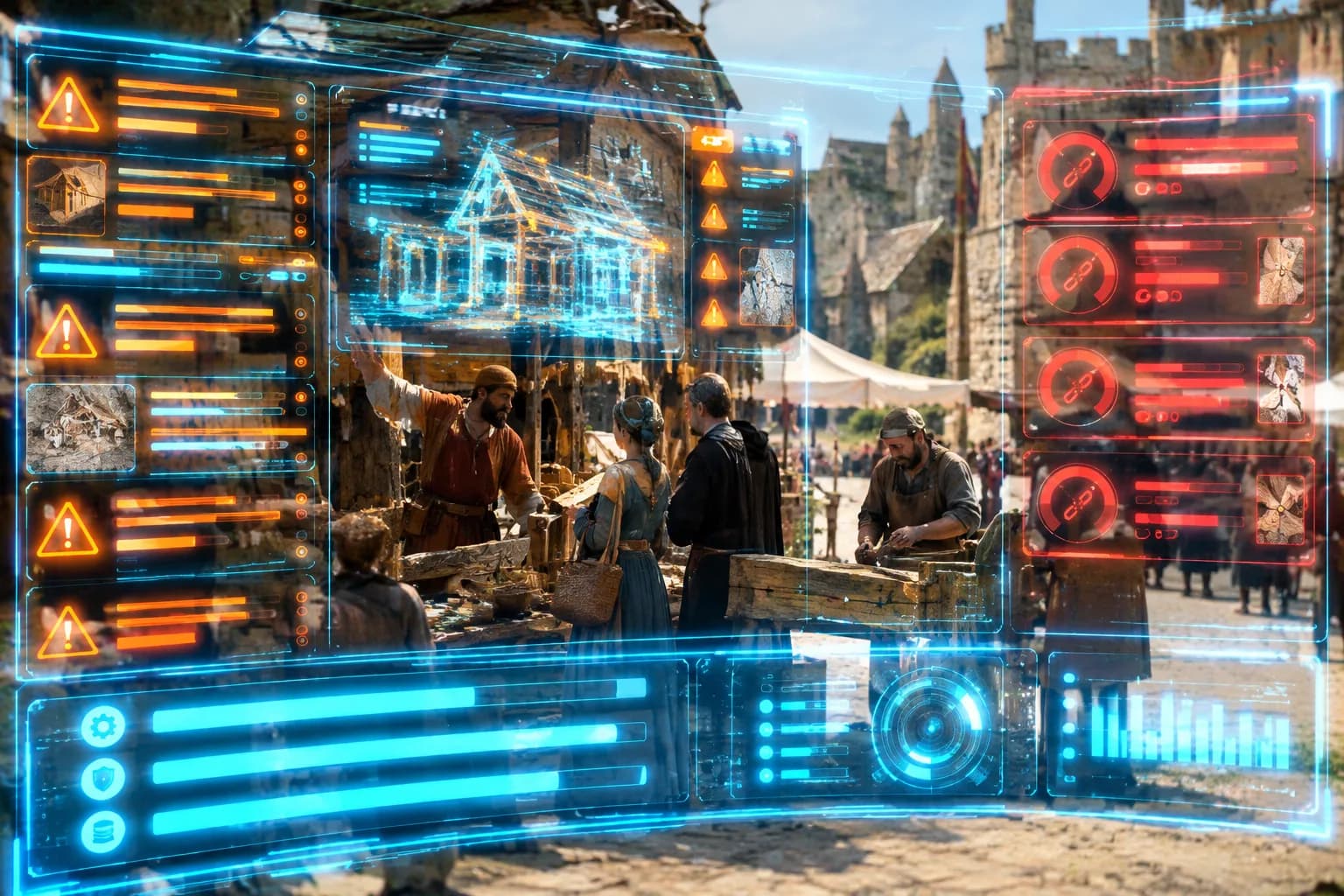
A refresh changes what visitors see, while a rebuild changes what the site runs on, and where the problem sits decides which one you need. An accounting firm in Bloemfontein shows the first case. Its site opens quickly, the firm edits it without help, and the only complaints are tired photos and an old price list. New photos, new words and a cleaner layout fix that in a few weeks. A furniture shop in Durban shows the second. Its home page takes six seconds on a phone, and the theme hasn't had an update in years. Every plugin warning gets ignored, because nobody knows which one breaks the checkout. A new colour scheme on that site leaves every one of those problems in place, like painting a car with a failing gearbox. Some agencies sell exactly that and call it a rebuild. The useful question for any proposed redesign is what it does to speed and to editing, and if the answer is nothing, it's a refresh priced as a rebuild.
Custom-built or template: what you're paying for
A template saves money on day one and tends to cost it back as the business outgrows the template's shape. Most themes sold on marketplaces are built to suit every possible buyer, so they arrive with sliders, shop modules, portfolio grids and booking widgets. A physiotherapy practice in Mbombela might use a quarter of those features, yet many themes still load the code for all of them on every page. Changing the layout beyond what the theme allows means fighting it, or paying a developer to fight it for you. A custom-built site starts from the other end. The pages are planned around what your customers search for, and the code carries only what those pages use. It costs more up front. The trade is speed you keep and a site shaped like your business, instead of a business squeezed into somebody else's shape. The fairer comparison is the cost over three years, not the first invoice.
Website builders compared with a custom build
Website builders such as Wix and Squarespace give you a finished platform to fill in, which makes them quick to start and limiting to grow. For a five-page site nobody plans to grow, that trade is often fair. You choose a design, type in your words and pay a monthly fee, while the builder handles hosting and updates. The limits show once the business wants more. You can change only what the builder allows, and the speed of each page depends on how the builder's own code loads. The same design also sits under many other businesses' sites. The work also stays with you. A bakery owner in East London can build her own site on a Sunday afternoon. She still has to write every page, keep it current and learn enough about search to be found. A custom build costs more at the start. It hands the speed, the structure and the search basics behind your website SEO performance to people who do this work every day. The right choice depends on how big the site needs to become.
What a modern website build includes

A modern website build includes the parts which earn enquiries, not only the design you see in the presentation. A complete build tends to cover six things:
- A page plan drawn from the phrases your customers type into Google
- The words for every page, written before the design is signed off
- A layout designed for the phone first and the desktop second
- Speed built into the code, rather than added later with a plugin
- Search basics on every page, from the page title Google shows as the blue headline to a sitemap, the list of pages handed to Google
- Pages people with poor eyesight or a screen reader can use, in line with WCAG 2.2, the web's accessibility standard
A quote listing design hours and nothing else usually means the rest becomes your problem after launch. Set side by side against this list, two quotes quickly show which build arrives finished and which one arrives as a shell.
Closing Reflection
The guesthouse owner in George didn't need a prettier website. She needed one which opened before a guest gave up, and one she could change on the evening her rates went up. Neither of those shows in a screenshot of the home page. Both show in the bookings at the end of the month, and in how many guests tapped her link and stayed long enough to ask about a room. A legacy site rarely fails all at once. It fails one guest at a time.
You shouldn't have to lose bookings to a website built for a screen nobody uses any more. With Zahavah Studio you won't.
Contact Zahavah Studio for a Complimentary Website Overview showing whether your site needs a refresh or a rebuild.
Frequently Asked Questions
How do I know if my website is outdated?
Check a handful of signs in an afternoon, without reading any code. The main content should appear within 2.5 seconds on a phone, the threshold Google's Core Web Vitals expect. Menus and buttons should be large enough for a thumb, and the software underneath, such as the PHP version, should still receive security fixes. Changing a price should take minutes, not a call to the original developer. Two or more failures usually point to the engine, not the design.
Should I refresh or rebuild my website?
It depends on where the problem sits. A refresh changes what visitors see, such as photos, words, and layout, and suits a site that already loads quickly and is easy to edit. A rebuild changes what the site runs on, and is needed when pages are slow on a phone, the theme hasn't been updated in years, or nobody knows which plugin breaks what. If a proposed redesign does nothing for speed or editing, it's a refresh priced as a rebuild.
Is a website builder like Wix good enough for a small business?
For a five-page site nobody plans to grow, a builder such as Wix or Squarespace is often a fair trade: quick to start, with hosting and updates handled for a monthly fee. The limits show as the business grows. You can change only what the builder allows, page speed depends on the builder's own code, and you still write every page and learn enough about search to be found. A custom build costs more at the start but hands that work to specialists.
What should a modern website build include?
A complete build covers more than design: a page plan drawn from the phrases customers type into Google, the words for every page, a layout designed for the phone first, speed built into the code rather than added with a plugin, search basics such as page titles and a sitemap, and accessibility in line with WCAG 2.2. A quote listing design hours and nothing else usually leaves the rest as your problem after launch.

Yvonne van Wyk
SEO Strategist · Zahavah Studio
Yvonne van Wyk runs Zahavah Studio, a Johannesburg SEO agency focused on long-term search visibility and AI citation. Her writing covers local SEO, content strategy, analytics, and the mechanics of how search works.
Everything on this blog is written to inform and educate. It is for information only. Nothing here is professional legal, financial, or technical advice. If you are making a significant business decision, speak to a qualified professional first. Zahavah Studio works hard to keep this content accurate and current, but is not liable for decisions made based on what you read here.