26 September 2026

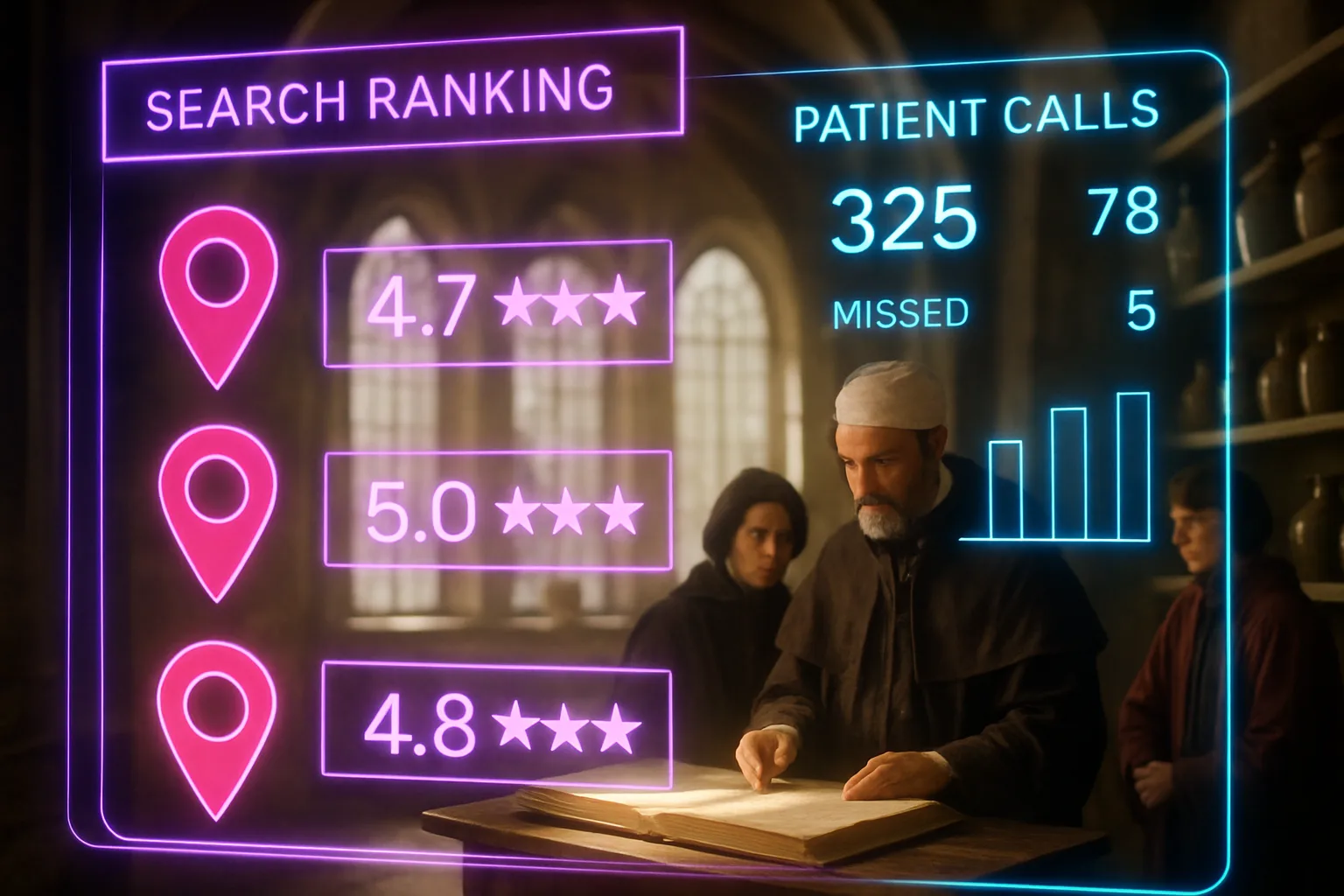
Table of Contents
- What is Google Business Profile medical and why does it decide who patients call?
- Key Takeaways
- Why local map rankings reach new patients before your website does
- How to claim and complete your Google Business Profile correctly
- The categories, services, and attributes telling Google what your practice does
- Patient reviews: the signal practices underestimate most
- Photos, posts, and the profile features most practices ignore
- Consistency across directories and how it strengthens your profile
- Closing reflection
- Frequently Asked Questions
A father in Midrand wakes at midnight to a child with a fever and a rash. He opens Google and types "doctor near me open now". A map shows three practices with hours, ratings, and a phone number he can tap without thinking. One practice has a photograph of its reception, Saturday hours listed, and sixty-two patient reviews. He calls that number. A GP three streets away, fifteen years in practice, doesn't appear on that map at all. Her receptionist will field no calls tonight.
What is Google Business Profile medical and why does it decide who patients call?
A Google Business Profile is a free listing on Google showing your practice's name, address, phone number, hours, services, and reviews directly in search results and on Google Maps, before a patient ever visits your website. When someone searches "doctor near me" or "dentist in Pretoria", Google assembles a local map section at the top of results. The practices appearing there aren't necessarily the best; they are the ones whose profiles give Google enough information to rank them with confidence.
Key Takeaways
- Your Google Business Profile is often the first thing a patient encounters, and an incomplete profile is a closed door.
- Google ranks local medical practices on three signals: how relevant your profile is to the search, how close your practice is to the searcher, and how prominent your practice looks online.
- Accurate, consistent information across your profile and other directories tells Google your practice is trustworthy enough to recommend.
- Patient reviews on your profile influence both your ranking and whether a patient chooses to call you. Recency and volume both count.
- Photos, services, and updated hours aren't decorative features; they are data Google uses to match your practice to the right searches.
- A well-maintained Google Business Profile medical listing works around the clock, producing appointment enquiries without ongoing ad spend.
Why local map rankings reach new patients before your website does

Most patients searching for a doctor, dentist, or specialist don't browse websites first. They scan the map pack, the cluster of three local listings Google shows near the top of results, read the star rating, check the hours, and call. Your website is secondary. According to research on local business search behaviour, 75 percent of marketers say using Google Business Profile features influences local search rankings. A practice absent from the map pack is functionally invisible to a patient making that split-second decision.
The map pack also reaches patients in the moments website SEO can't easily target: the late-night fever search, the "open now" filter, the tap-to-call from a moving car. These are high-intent moments. The patient has already decided they need a doctor; they are now only deciding which one. A complete, optimised profile puts your practice in front of that decision. A missing or incomplete one removes you from it entirely.
How to claim and complete your Google Business Profile correctly
If your practice doesn't yet have a verified profile, start at business.google.com and follow the steps to claim your listing. Google will send a verification postcard to your practice address, or in some cases offer phone or video verification. Don't skip verification: an unverified listing can't be fully managed and may be overridden by suggested edits from anyone searching nearby.
Once verified, complete every field. Your business name must match the signage on your door exactly, including no keyword stuffing such as "Dr Mokoena GP Pretoria Family Doctor". Your address must match what appears on your letterhead and on the Health Professions Council of South Africa registration. Your phone number must be a direct line, not a switchboard dropping after hours. Your primary category should be "Doctor" or "Medical clinic" or the most specific match for your discipline; you can add secondary categories for allied services. Set your hours, including public holidays, and use the "more hours" feature to list separate consulting hours if your reception hours differ.
A detail many practices overlook is the appointment link field. Google allows you to add a booking URL directly to your profile. If your practice uses an online booking system, link it here. The path from search result to confirmed appointment shortens considerably when a patient can book without calling. Google's own documentation on search visibility features confirms making it easy for users to take action from search results is a factor in how Google evaluates the usefulness of a listing.
The categories, services, and attributes telling Google what your practice does
Category selection is the most consequential single decision in your profile setup. Google uses your primary category to decide which searches your practice is eligible to appear in. A GP selecting "Medical clinic" rather than "Doctor" may miss searches for "GP near me" the more specific category would capture. A physiotherapy practice selecting "Health and wellness centre" instead of "Physiotherapist" loses relevance for the exact searches its patients use.
Beyond categories, the services section allows you to list specific offerings: consultations, antenatal care, chronic disease management, occupational health certificates, minor procedures, or whatever your practice genuinely provides. Write service names the way a patient would say them, not the clinical shorthand your team uses internally. A patient searches "sick note doctor Johannesburg", not "medical certification general practitioner Randburg". The closer your service language is to patient search language, the more useful your profile is to Google as a match.
Attributes are the small but searchable details: whether your practice is wheelchair accessible, whether you have on-site parking, whether you accept walk-ins, and which medical aids you work with. South African patients filter specifically on medical aid acceptance, and a profile listing Discovery Health, Bonitas, or Momentum by name is more likely to convert a searcher whose first question is always "do they take my medical aid". Fill these in as if you are answering the calls your receptionist fields most often.
Patient reviews: the signal practices underestimate most

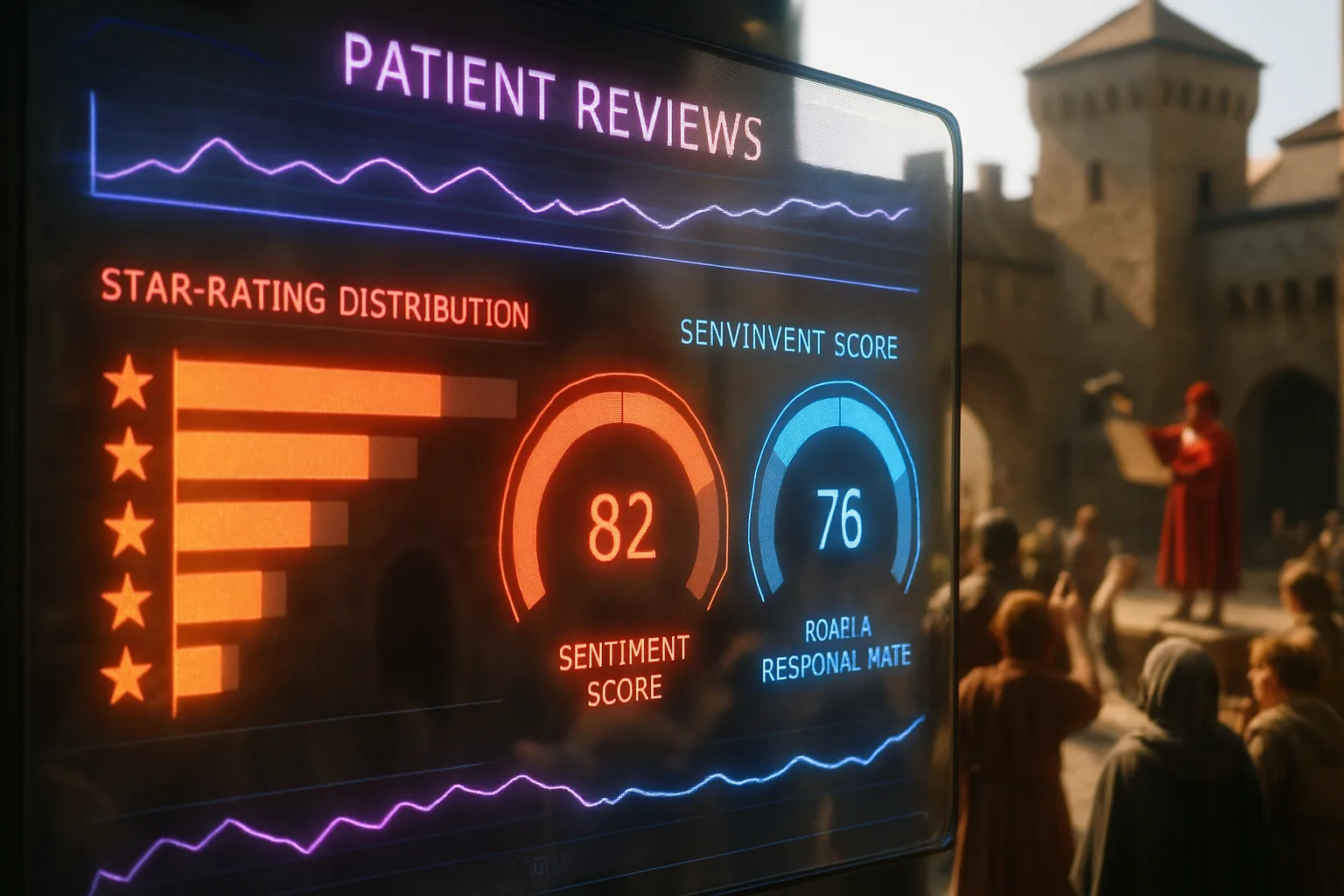
Reviews on your Google Business Profile do two things simultaneously. They influence Google's prominence signal, the third of the three local ranking factors alongside relevance and distance, and they influence the patient's decision to call. A profile with forty reviews and a 4.6 rating will almost always outrank and out-convert a profile with three reviews and a 5.0, because volume signals real patients have engaged with the practice over time.
The barrier most practices hit is asking. South African patients aren't accustomed to being prompted for a Google review after a consultation, and many practices feel uncomfortable with the request given the professional context. The most effective approach is simple and frictionless: a card at reception with a QR code linking directly to your Google review page, or a follow-up SMS after a visit with the link embedded. The ask isn't inappropriate; the Health Professions Council's guidelines on patient communication allow practices to invite feedback as long as the communication is honest and not incentivised.
Don't respond to positive reviews with a generic "thank you for your kind words". Write one sentence naming what the patient mentioned, and confirm it reflects how your practice works. For negative reviews, respond within 48 hours, acknowledge the concern without breaching patient confidentiality, and invite the patient to contact the practice directly. Every response is visible to every future patient reading the profile. According to a detailed breakdown of local SEO for healthcare, how a practice handles visible feedback shapes prospective patient trust as much as the rating does.
Photos, posts, and the profile features most practices ignore
Google's own data shows profiles with photos receive significantly more direction requests and calls than profiles without them. For a medical practice, the right photos aren't stock images of stethoscopes. They are the reception area, the waiting room, the building exterior so a patient arriving for the first time knows where to look, and a professional photograph of the doctor or dentist whose name is on the door. Patients booking a first appointment want to know the space feels safe and the person they are seeing is real.
Add a minimum of ten photos when you complete your profile, and add new ones every few months. Google timestamps photo uploads and recent activity is a mild ranking signal. The Q&A section of your profile is another overlooked feature. Google allows anyone to ask a question on your listing, and anyone to answer it. If you don't answer your own Q&A, a stranger will, and strangers can be wrong. Log in weekly and answer any open questions. You can also populate the Q&A proactively by writing the questions your receptionist hears most often and answering them yourself. "Do you accept walk-in patients?" and "Which medical aids do you accept?" are legitimate Q&A entries making your profile more useful and reducing phone calls about basic information.
Google Posts, a feature allowing you to publish short updates directly to your profile, are used by fewer than one in ten small practices. A post announcing new consulting hours, a flu vaccine availability window, or a reminder about annual check-ups keeps your profile active and shows Google the listing is maintained. Google's guidance on AI-assisted search features makes clear that well-maintained, information-rich local profiles are more likely to surface in AI-generated responses to local health queries.
Consistency across directories and how it strengthens your profile
Your Google Business Profile doesn't operate in isolation. Google cross-references the information on your profile against other sources: the Health Professions Council register, medical directories like Healthsites or Mediclinic's practitioner finder, your practice website, and general directories like Yellow Pages South Africa. Where those sources agree on your name, address, and phone number, Google's confidence in your listing increases. Where they disagree, confidence drops, and so can your ranking.
The table below compares the most common profile errors medical practices make and the practical consequence of each.
| Profile error | What Google sees | Consequence for the practice |
|---|---|---|
| Name differs across directories | Conflicting signals on identity | Lower prominence score |
| Phone number outdated on website | Mismatch between profile and site | Ranking uncertainty; missed calls |
| Hours not updated for public holidays | Inaccurate information for searchers | Google may show "hours may differ" warning |
| No patient reviews | Low prominence signal | Map pack exclusion for competitive searches |
| Primary category too broad | Poor relevance match | Missing from speciality searches |
| No appointment link | High-friction patient journey | Lower conversion from searchers to booked patients |
Run a search for your practice name and check every listing appearing: the HPCSA register, the South African Medical Association directory, any hospital group you are affiliated with, and your own website's contact page. Where information differs, correct it at the source. This work is unglamorous, but it is the kind of data-accuracy project medical practice SEO specialists consistently identify as the highest-return, lowest-cost improvement a practice can make.
Closing reflection
A Google Business Profile for a medical practice isn't a marketing exercise. It is the digital equivalent of a legible sign on a well-lit door. Patients searching for care aren't browsing; they are deciding, quickly, often under stress. The practices showing up with complete information, recent reviews, and clear hours remove friction from that decision. The ones absent from results leave the patient to choose from whoever does appear. That is a patient-flow problem, not a search technicality.
You shouldn't have to lose patients to a competitor whose care is no better than yours but whose Google listing is more complete. With Zahavah Studio you won't.
Contact Zahavah Studio to get your practice's Google Business Profile set up, verified, and optimised so the right patients find you first.
Patients search with questions about hours, medical aids, waiting times, and booking. The answers below cover what most practice owners ask when setting up their profile for the first time.
Frequently Asked Questions
How do I verify my Google Business Profile for my medical practice?
Verification gives you control of your listing and allows Google to display it in search results. After claiming your practice on business.google.com, Google typically offers postcard verification: a code mailed to your practice address you then enter in your profile. Some practices qualify for phone or video verification depending on the category and location. The postcard takes up to fourteen days to arrive. Don't attempt to edit your primary category or address during this window, because Google may restart the verification process. Once the code is entered, your listing becomes fully manageable. If a listing already exists for your practice and you didn't create it, you can still claim it by selecting "Claim this business" on the Maps listing and following the same verification steps. Google's search documentation updates confirm a verified listing is the prerequisite for any profile feature to influence your search ranking. For your practice specifically, completing verification before making any further edits protects against the process restarting and delaying your visibility in local results.
How many Google Business Profile reviews does my medical practice need to appear in the map pack?
There is no fixed number, because the map pack is competitive and the threshold depends on your suburb and specialty. In a smaller town, a practice with eight to ten recent reviews may comfortably hold a map pack position. In a high-density Johannesburg suburb with several GPs competing, twenty to thirty reviews may be the floor. What counts more than total volume is recency: five reviews received in the past six months signal more to Google than thirty reviews accumulated over five years with none since. Aim to generate at least two to three new reviews per month as an ongoing practice habit rather than a once-off effort. Avoid any incentive for reviews, including offering a discount or free service; this breaches both Google's policies and the Health Professions Council's guidelines on patient communications. A simple, politely timed SMS link after a visit is sufficient and compliant. Your receptionist can make the ask part of the standard post-visit routine without any additional system or cost.
Can my medical practice appear in Google's AI-generated answers, not just the map pack?
Yes, and this is becoming a more relevant question as Google integrates AI-generated summaries into more search results. Google's guidance on AI search optimisation confirms well-structured local business profiles with accurate information, consistent details across the web, and genuine patient reviews are more likely to be referenced in AI-generated local responses. The practices ranking well in the traditional map pack tend to appear in AI summaries for local health queries. Completing your profile's services section with clear, patient-facing language, maintaining active Q&A entries, and publishing occasional Google Posts all contribute to the information richness AI features draw from. There is no separate submission process; a well-maintained profile is the input. For your practice, the most direct action is ensuring your services, hours, and medical aid details are written in plain language a patient would use rather than clinical shorthand your team recognises but a search system may not weight as a match.
What should my medical practice post in the Google Posts section?
Google Posts work like a short notice board on your listing. Each post can be up to 1500 characters, but the most effective ones run under 150: a single, clear piece of information a patient would act on. Seasonal health reminders perform well: flu vaccine availability from a specific date, back-to-school check-up availability in January, or a reminder chronic medication scripts expire after six months. Service announcements also convert: a new doctor joining the practice, extended Saturday hours, or the addition of an online booking system. Avoid promotional language implying a discount or special offer; this sits in uncomfortable territory under professional healthcare advertising guidelines. Post at least once per month to signal your profile is actively managed. Google shows post publication dates, and a post from eleven months ago suggests a listing nobody tends to. For your practice, a simple monthly calendar reminder to publish one post is enough to keep the signal current without adding significant administrative work.
Does my Google Business Profile replace my practice website for local SEO purposes?
No, but it does a different job and often does that job first. Your Google Business Profile medical listing is what patients encounter before they decide to visit your website. It handles the immediate, high-intent search: the person needing a doctor today, in your area, deciding in thirty seconds whether to call you. Your website handles the consideration stage: the patient wanting to read about your approach, check your qualifications, learn about a procedure, or confirm their medical aid is accepted before booking. Both are necessary. A strong profile with no website behind it loses patients wanting more information before committing. A strong website with no profile loses patients who never get far enough to visit it. According to a healthcare-specific breakdown of medical SEO strategy, practices generating consistent patient enquiries from search maintain both, with the profile optimised for immediate action and the website optimised for trust and conversion. For your practice, treating them as two stages of one patient journey produces better results than prioritising one over the other.

Yvonne van Wyk
SEO Strategist · Zahavah Studio
Yvonne van Wyk runs Zahavah Studio, a Johannesburg SEO agency focused on long-term search visibility and AI citation. Her writing covers local SEO, content strategy, analytics, and the mechanics of how search works.
Everything on this blog is written to inform and educate. It is for information only. Nothing here is professional legal, financial, or technical advice. If you are making a significant business decision, speak to a qualified professional first. Zahavah Studio works hard to keep this content accurate and current, but is not liable for decisions made based on what you read here.